
Admin Dashboard
Your whole business on one screen — the moment you log in.
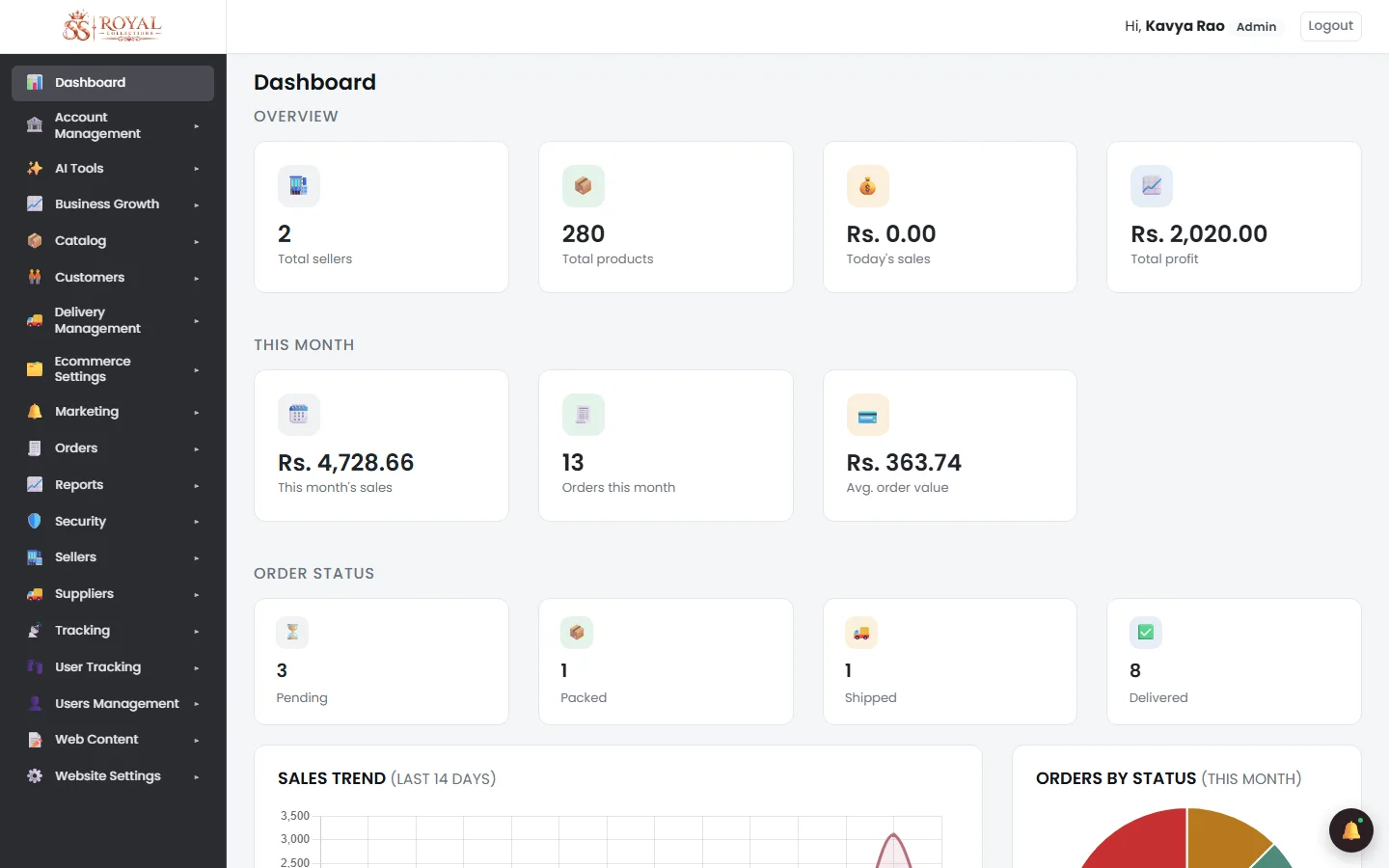
What it does
Today's orders, revenue, pending shipments, low stock, returns and support tickets, with live alerts that pop up the second a new order or withdrawal request arrives. No refreshing, no switching tabs.
From first click to done
The everyday workflow, step by step.
- 1
Log in
Sign in at /admin. On a new device you will be asked for a one-time password; tick "trust this device" to skip it next time.
- 2
Read the tiles
Today's orders, revenue, pending shipments, low stock, open returns and open tickets are shown as tiles. Each tile links to the filtered list behind it.
- 3
Act on alerts
New orders, return requests, tickets and withdrawal requests pop up as live alerts (checked every 30 seconds). Click an alert to open the record.
- 4
Follow the badges
Red badges in the sidebar show how many items are waiting in each module, so the team always knows where to look next.
See it in action
Real screens from a live store. Click any screenshot to enlarge. Customer details are replaced with demo data.
Works great with
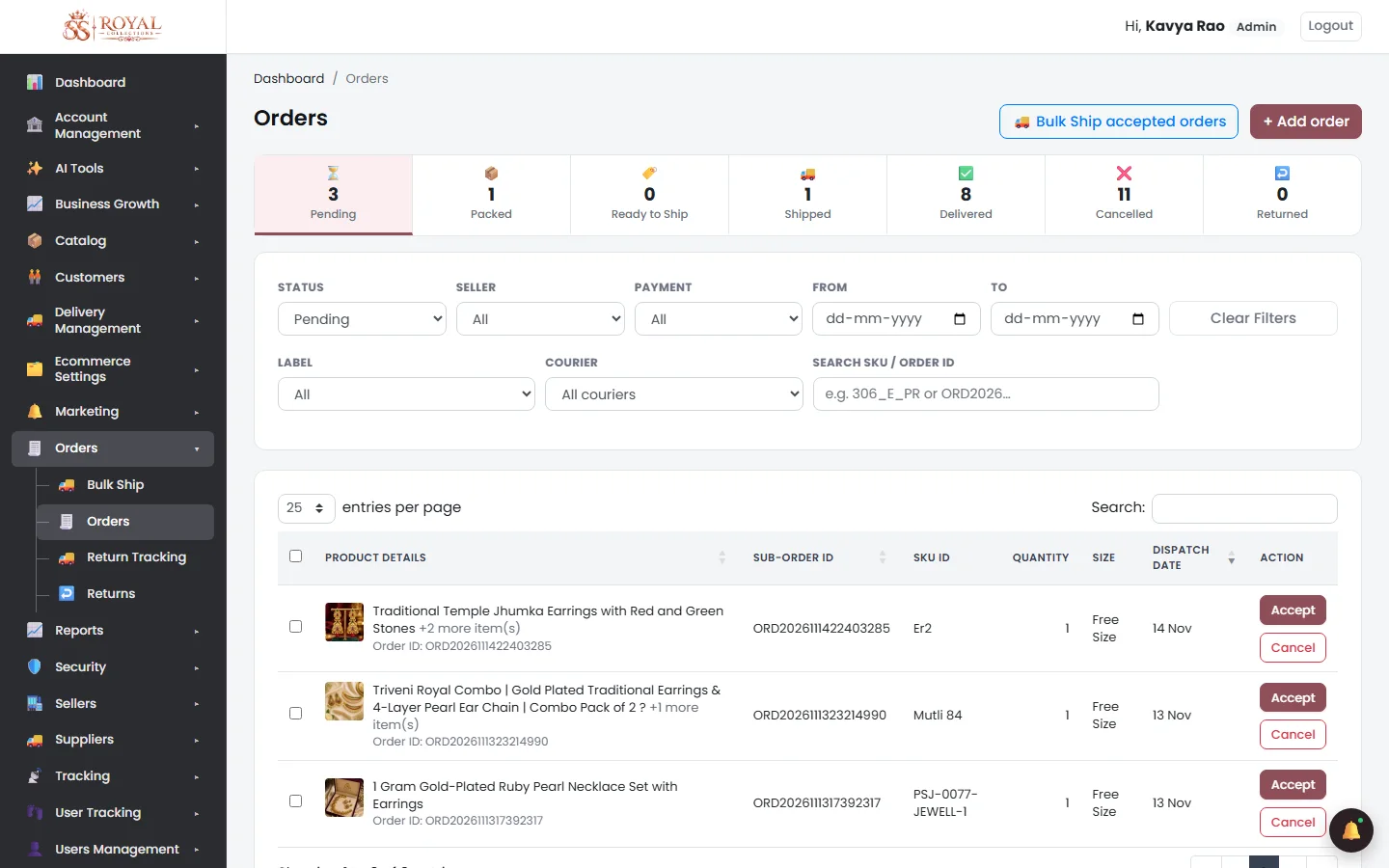
Order Management
Every order from every channel, in one list.
Explore module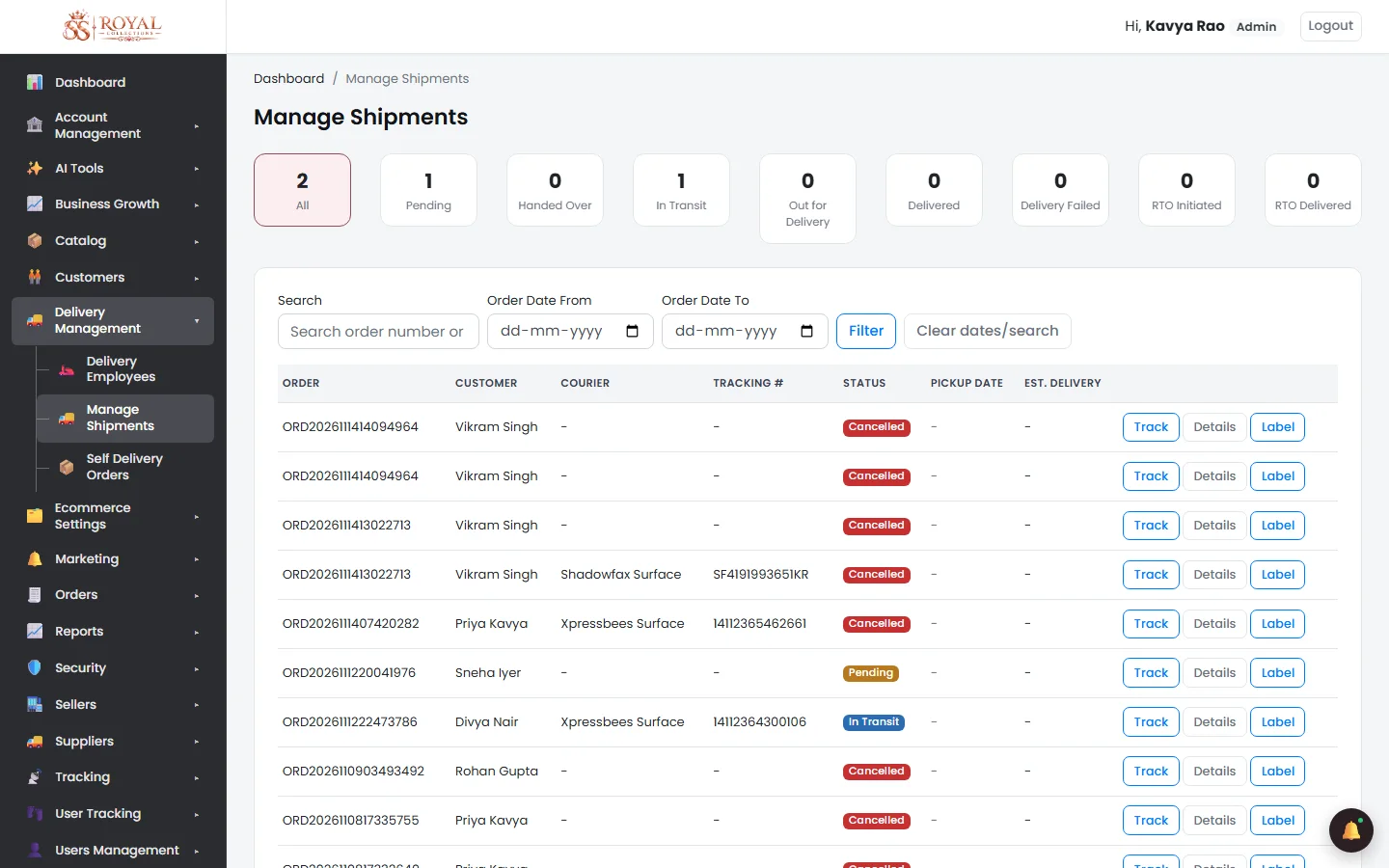
Shipping & Labels
Compare couriers, print labels and track parcels — without leaving the panel.
Explore module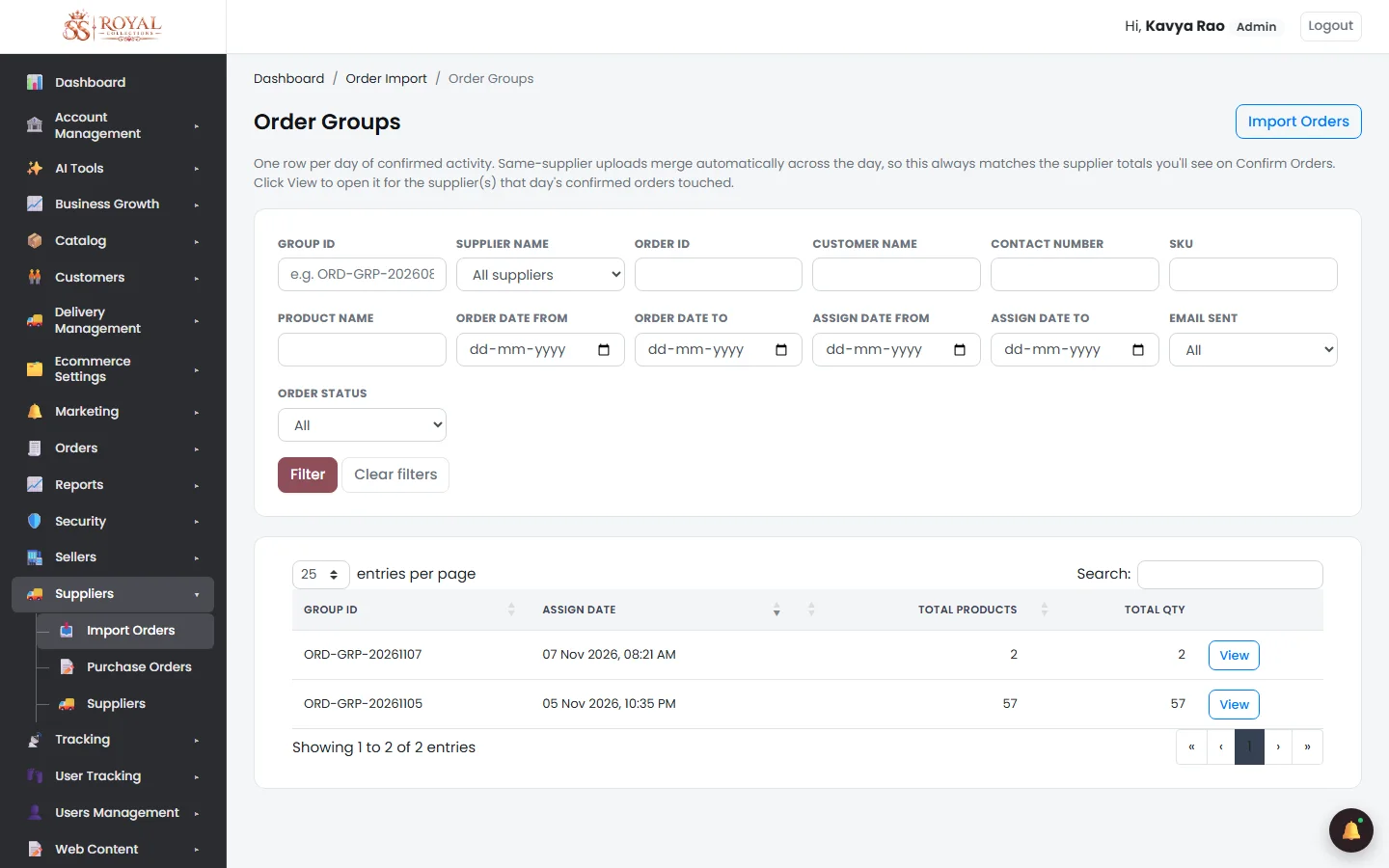
Marketplace Order Import
Meesho, Amazon and Flipkart orders — imported, grouped and assigned in minutes.
Explore module