
GST Reports & Filing
GSTR-ready numbers from website and marketplace sales.
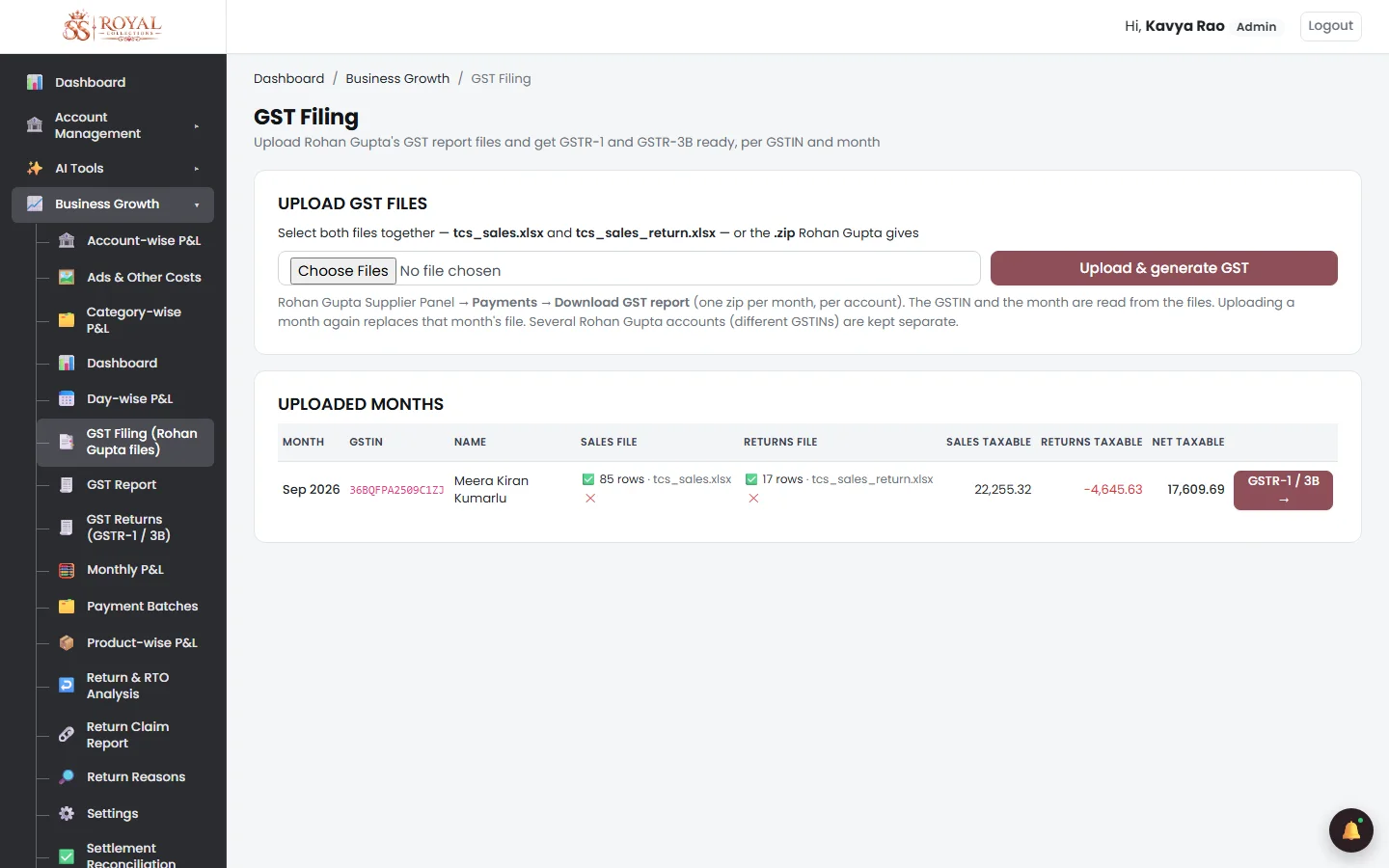
What it does
Every invoice carries HSN and GST. Website sales, marketplace TCS reports and payment sheets combine into state-wise, rate-wise summaries ready for your accountant.
From first click to done
The everyday workflow, step by step.
- 1
Make sure HSN is set
Every product needs an HSN code and GST rate — invoices use them automatically.
- 2
Import marketplace GST reports
Upload the TCS / GST reports from each marketplace for the period.
- 3
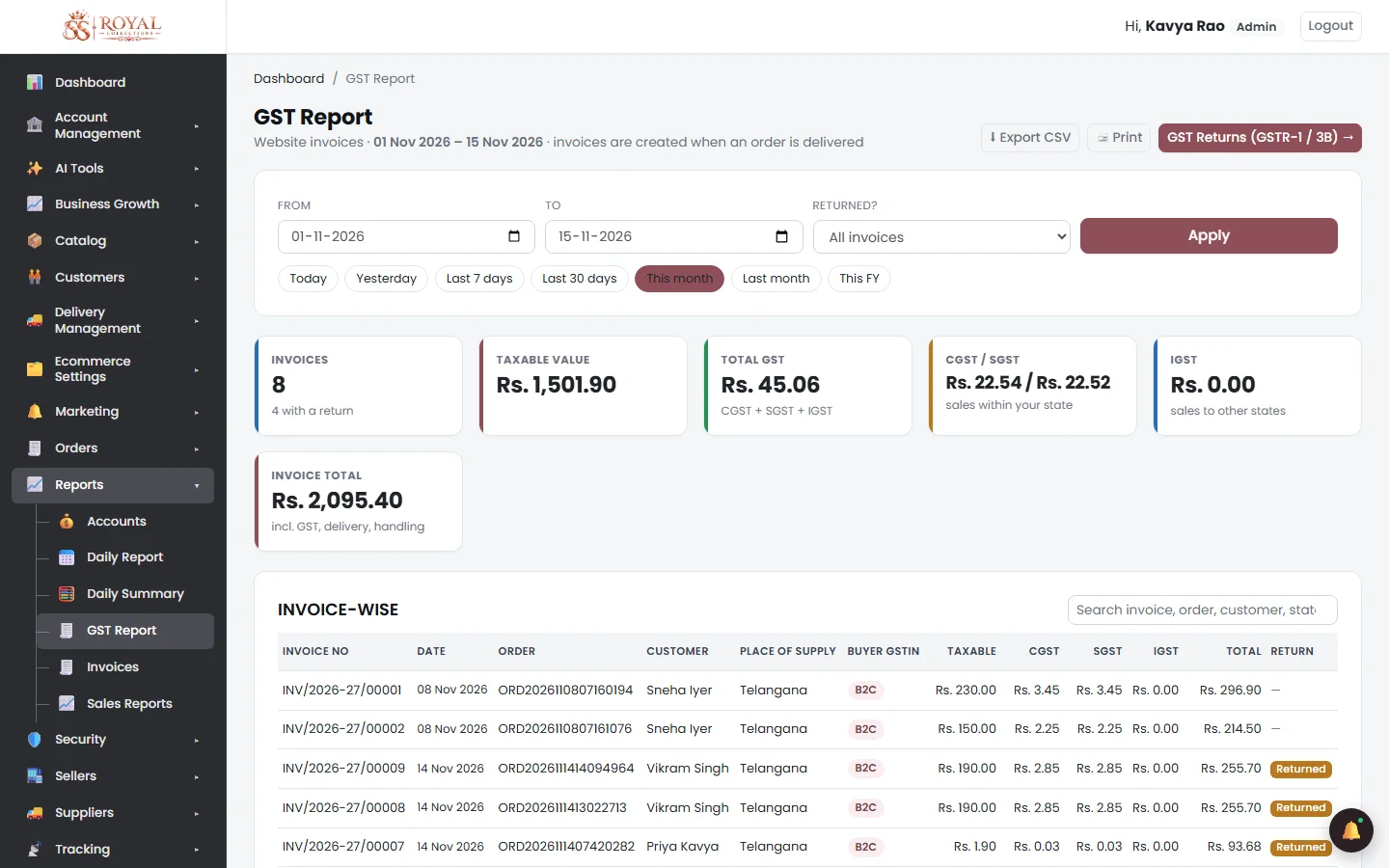
Review summaries
See state-wise, HSN-wise and rate-wise summaries with B2C and inter-state splits.
- 4
Export
Export the figures for your accountant or filing software.
See it in action
Real screens from a live store. Click any screenshot to enlarge. Customer details are replaced with demo data.
Works great with
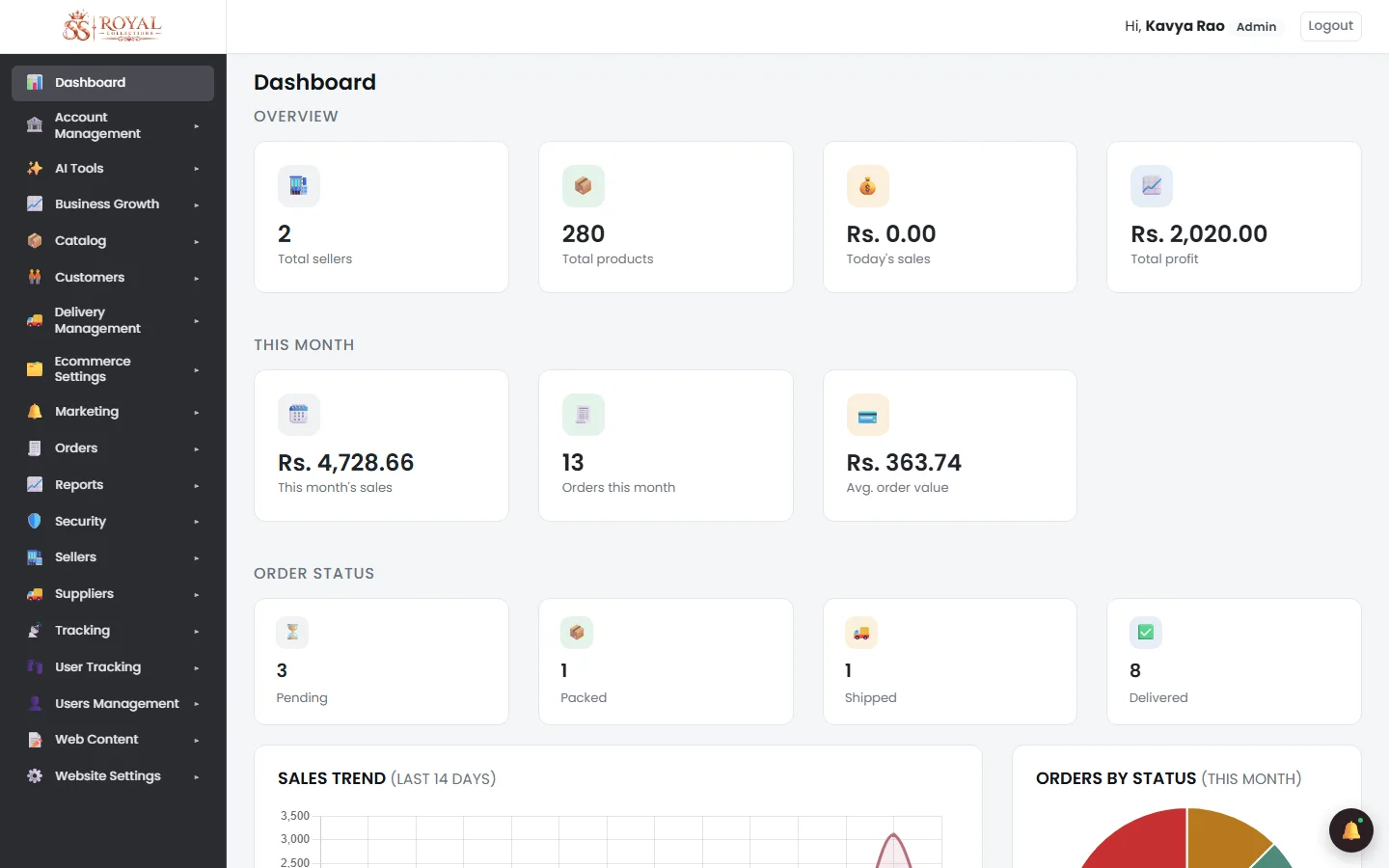
Admin Dashboard
Your whole business on one screen — the moment you log in.
Explore module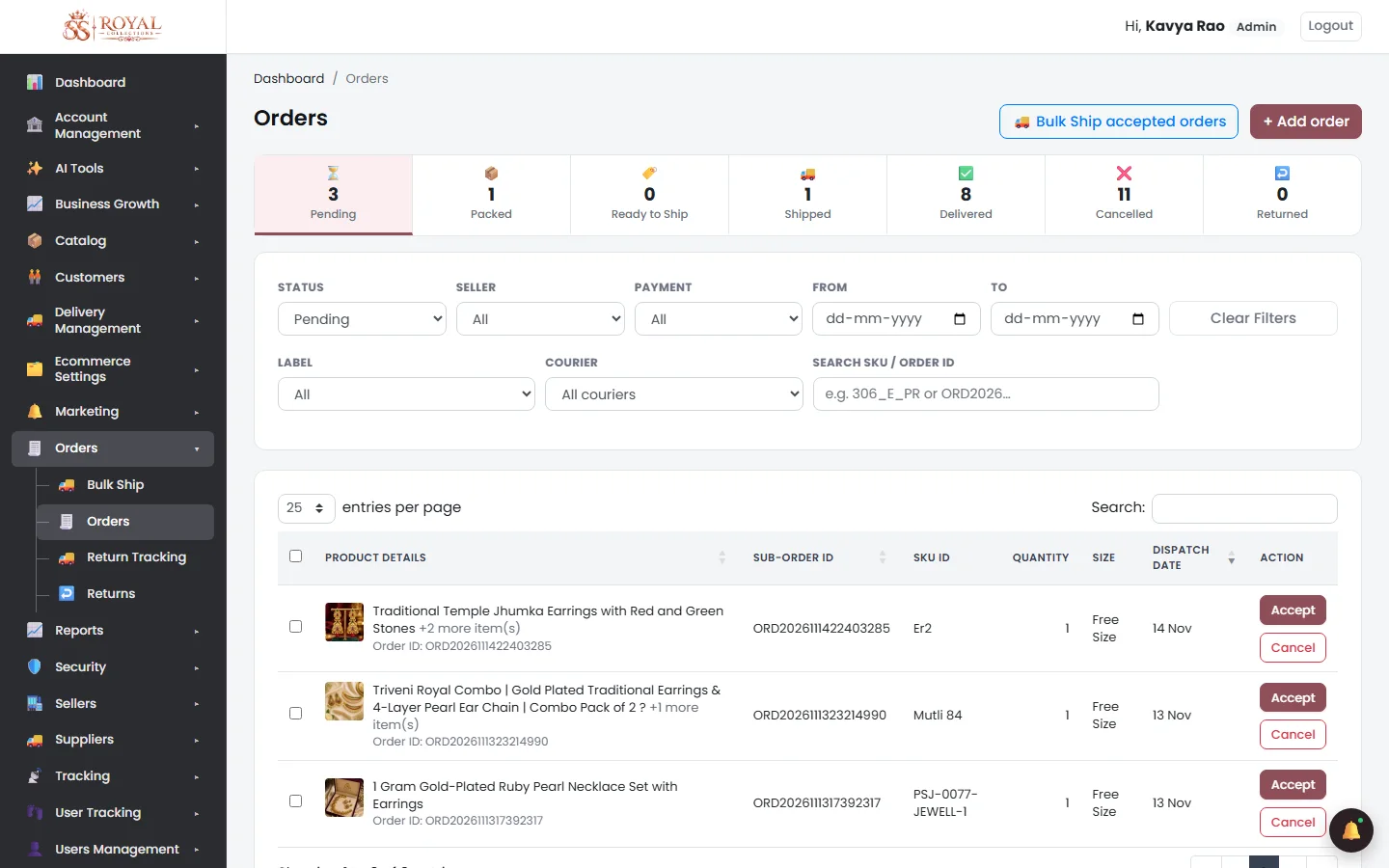
Order Management
Every order from every channel, in one list.
Explore module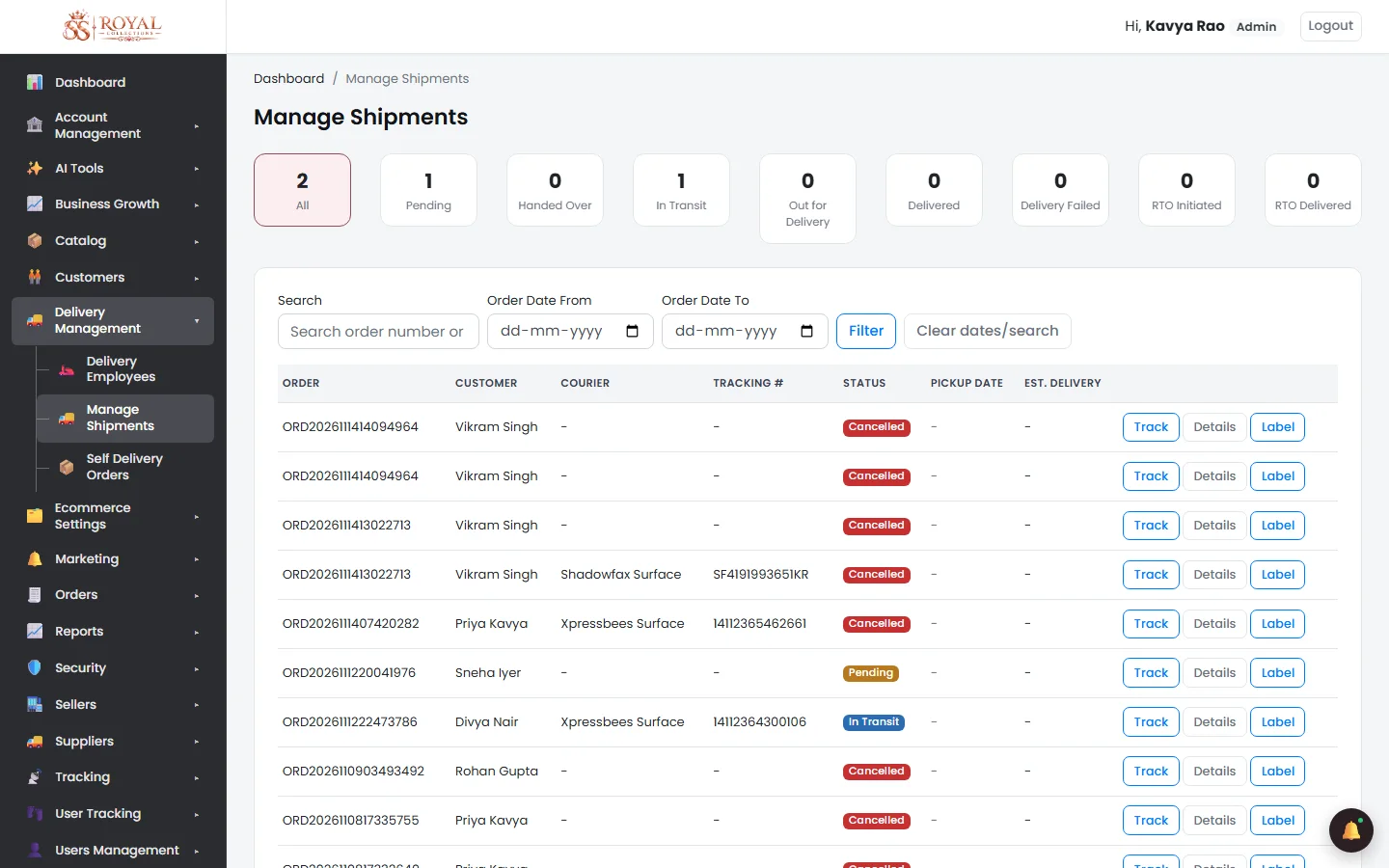
Shipping & Labels
Compare couriers, print labels and track parcels — without leaving the panel.
Explore module