
GST Reports & Filing
GSTR-ready numbers from website and marketplace sales.
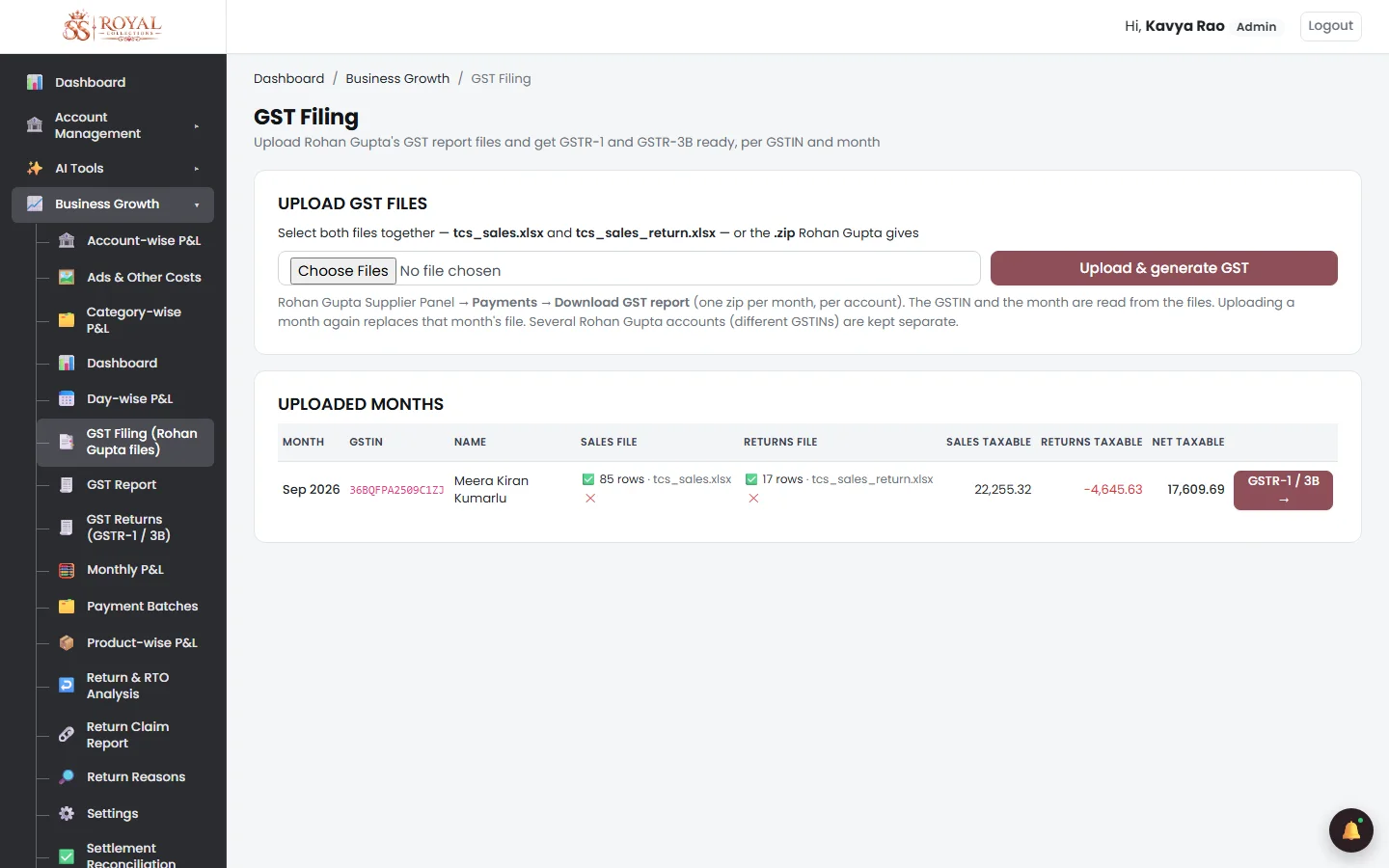
/admin/business-growth/gst-filing Click to enlargeOn this page
Quick summaryOverviewFeaturesStep by stepKey termsAll screensBest practicesFAQPlan availabilityRelated docsQuick summary
The 30-second version of this page.
GSTR-ready numbers from website and marketplace sales.
Accountants, CAs and owners filing GST.
Admin Panel → GST Report / Business Growth → GST Filing
#Overview
Every invoice carries HSN and GST. Website sales, marketplace TCS reports and payment sheets combine into state-wise, rate-wise summaries ready for your accountant.
Accountants, CAs and owners filing GST.
Admin Panel → GST Report / Business Growth → GST Filing
#Features
#Step by step
Follow these steps in order. The screen on the right shows where you do it.
- 1
Make sure HSN is set
Every product needs an HSN code and GST rate — invoices use them automatically.
- 2
Import marketplace GST reports
Upload the TCS / GST reports from each marketplace for the period.
- 3
Review summaries
See state-wise, HSN-wise and rate-wise summaries with B2C and inter-state splits.
- 4
Export
Export the figures for your accountant or filing software.
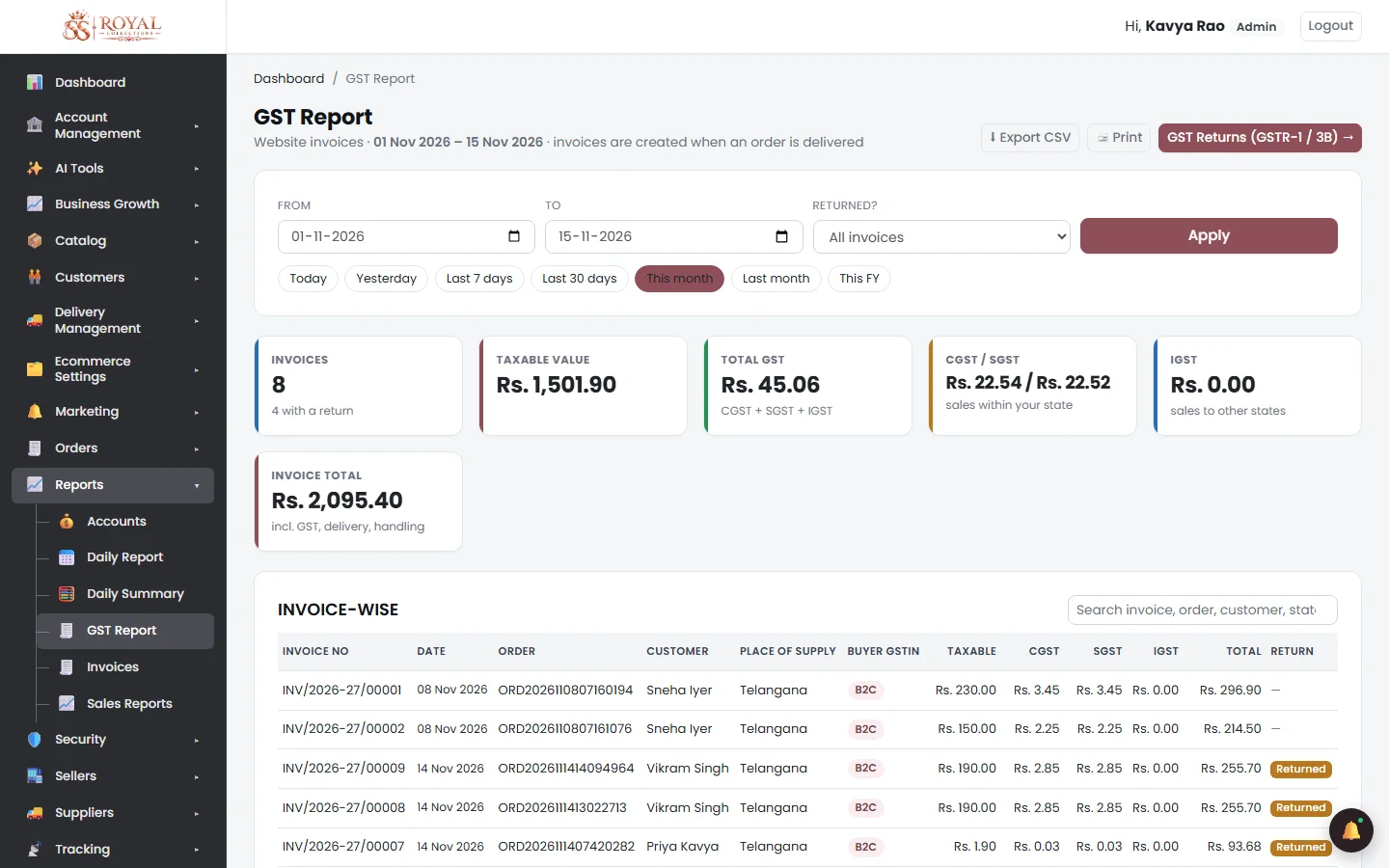
/admin/gst-report Click to enlarge#Key terms
Words you will see on these screens, explained simply.
- Inter-state vs intra-state
- Determined by the shipping state versus your registered state — IGST versus CGST + SGST.
- TCS
- Tax collected at source by marketplaces, which you claim back in your return.
#All screens
Every screen in this module. Customer details are replaced with demo data.
/admin/business-growth/gst-filing Click to enlarge/admin/gst-report Click to enlarge#Best practices
- Close the month in GST before the 5th so your CA has time to file.
- Run the HSN-wise summary after adding new categories to catch missing codes.
#FAQ
Does it file returns for me?
It prepares filing-ready figures and exports. Filing itself is done by you or your CA on the GST portal.
#Plan availability
See pricing for full plan details.