
Shipping & Labels
Compare couriers, print labels and track parcels — without leaving the panel.
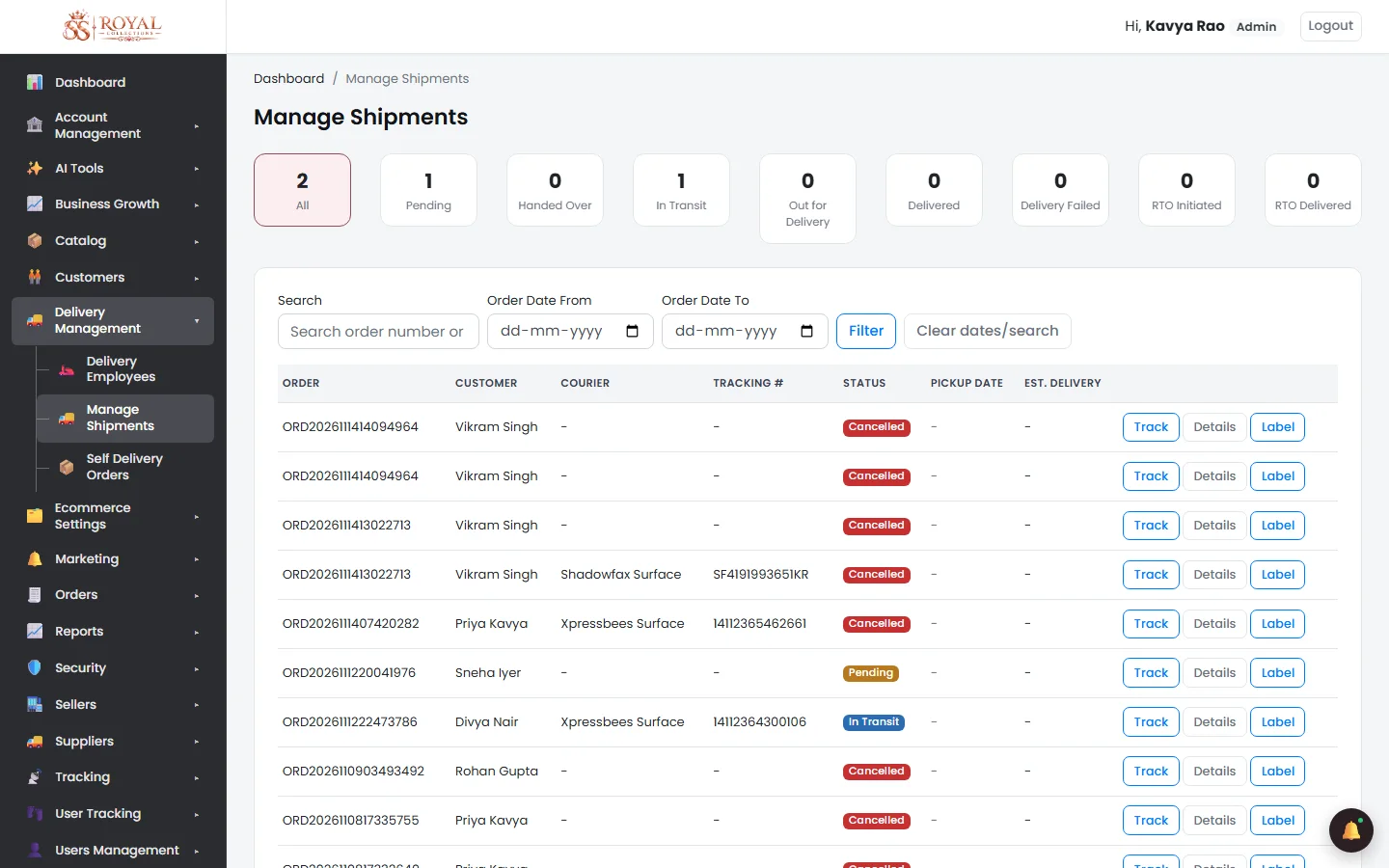
What it does
Built-in courier integrations fetch live rates, book shipments, generate shipping labels and pull tracking events automatically. Prefer your own delivery staff? Self-delivery orders and delivery employees are built in too.
From first click to done
The everyday workflow, step by step.
- 1
Connect couriers
Add your courier account credentials once in Settings. Rates are fetched live using your own contract.
- 2
Compare rates
From an order (or a selection of orders) compare available couriers by price and estimated delivery time.
- 3
Book and print
Book the shipment and print the label — individually or in bulk for the whole batch.
- 4
Let tracking run itself
Tracking events are pulled automatically and shown on the customer's order page and in the order timeline.
- 5
Or deliver yourself
For local orders, create a self-delivery order and assign it to one of your delivery staff.
See it in action
Real screens from a live store. Click any screenshot to enlarge. Customer details are replaced with demo data.

Works great with
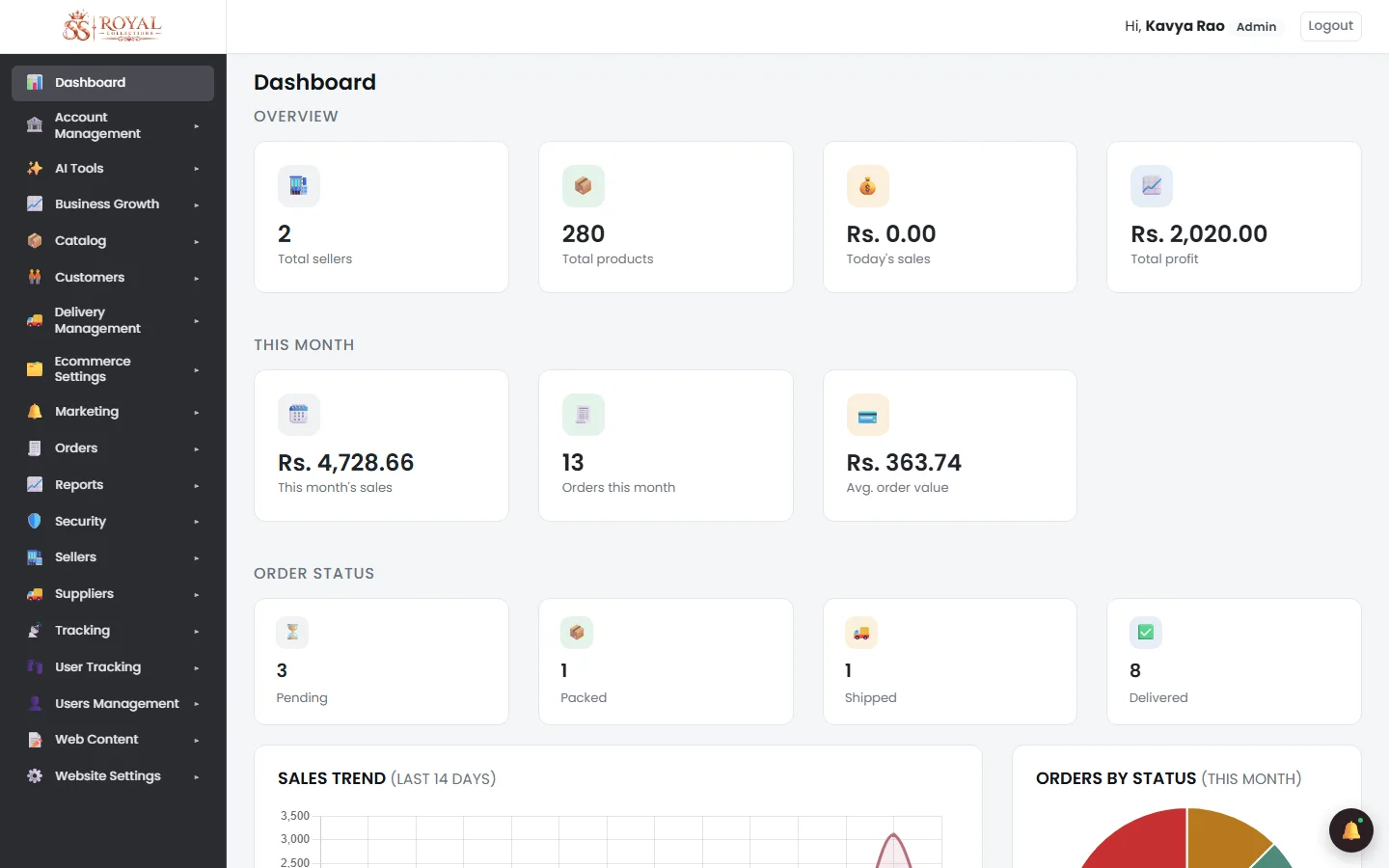
Admin Dashboard
Your whole business on one screen — the moment you log in.
Explore module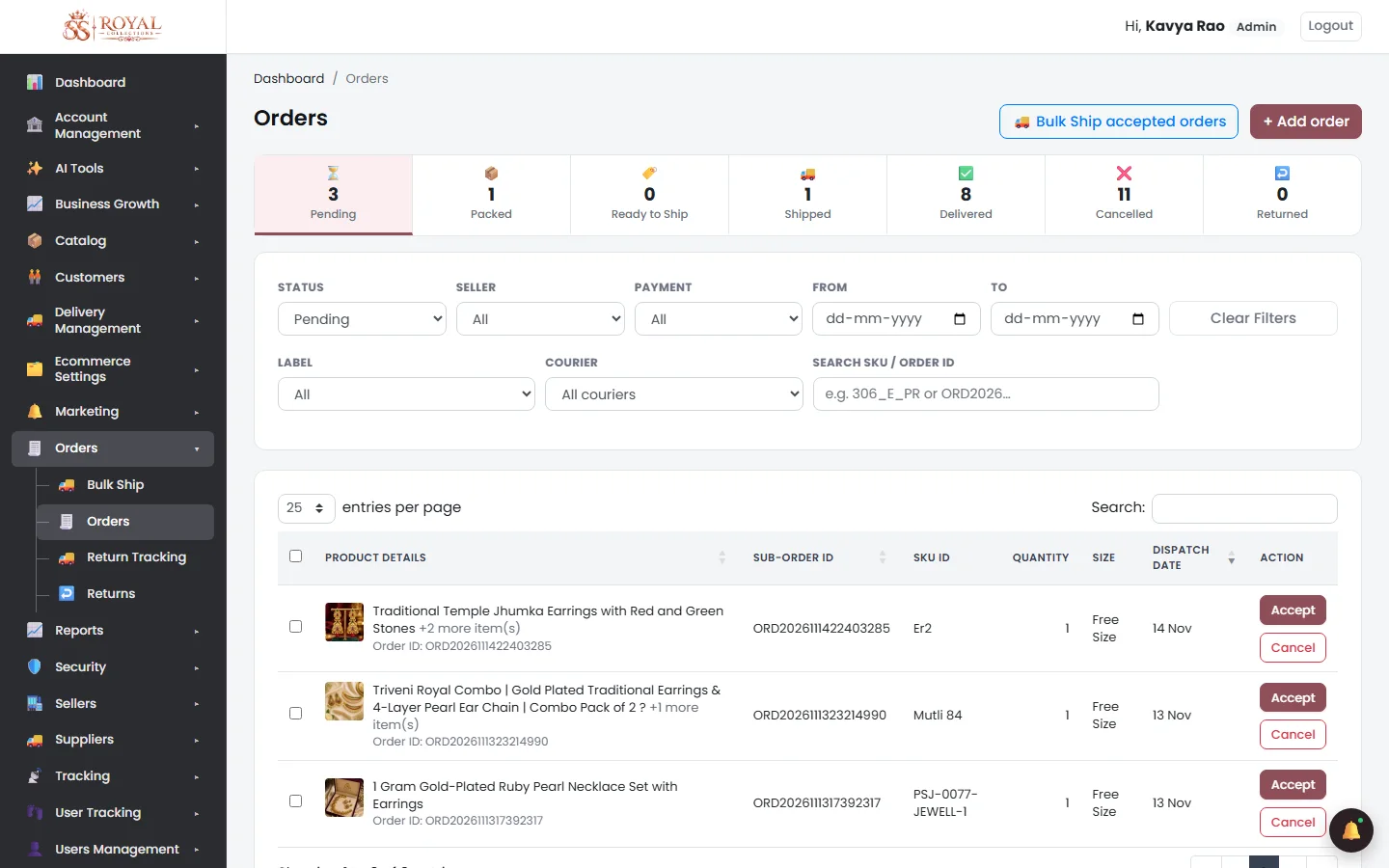
Order Management
Every order from every channel, in one list.
Explore module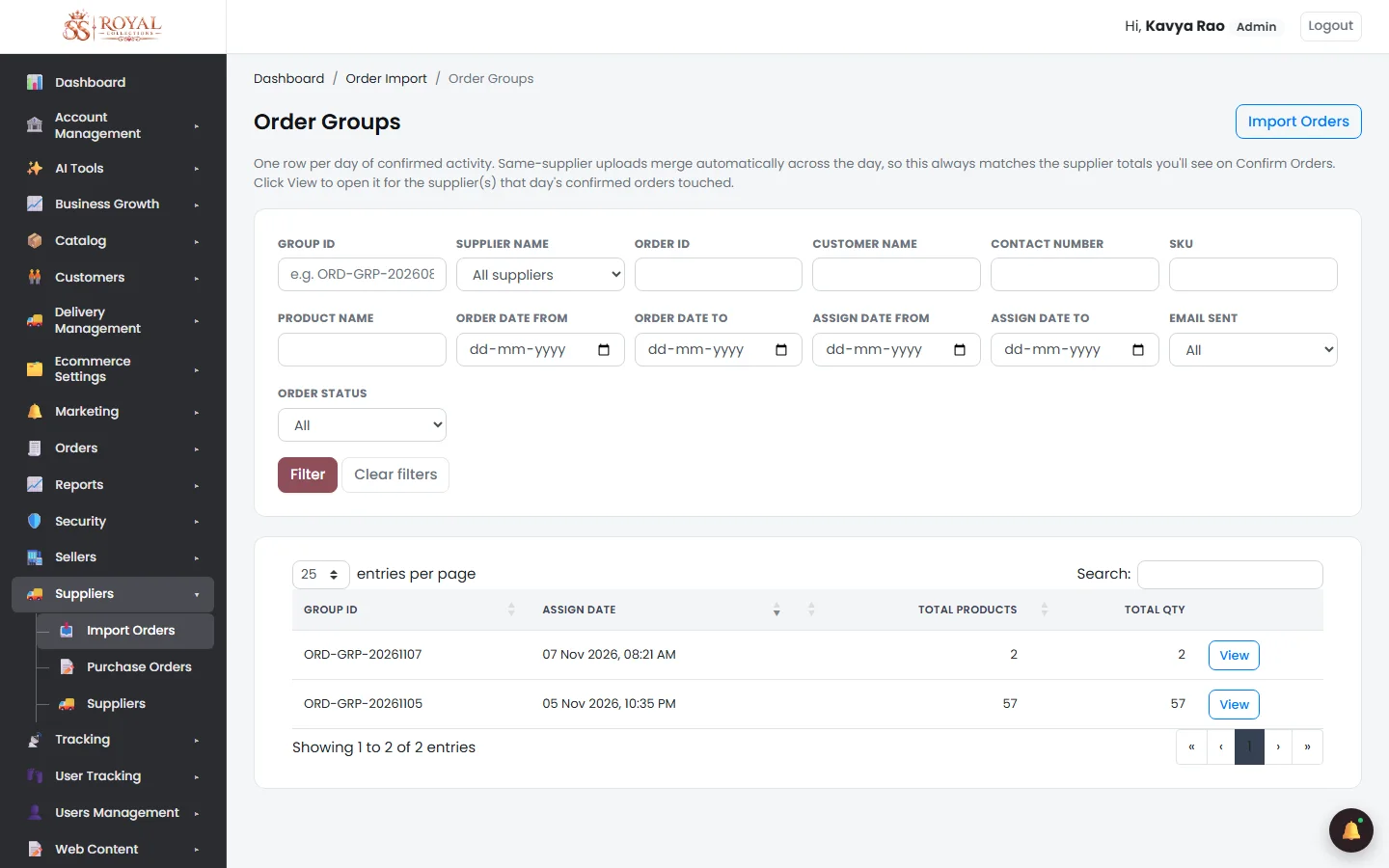
Marketplace Order Import
Meesho, Amazon and Flipkart orders — imported, grouped and assigned in minutes.
Explore module