
Inventory & Stock
Available, reserved and sold — always accurate, across every channel.
What it does
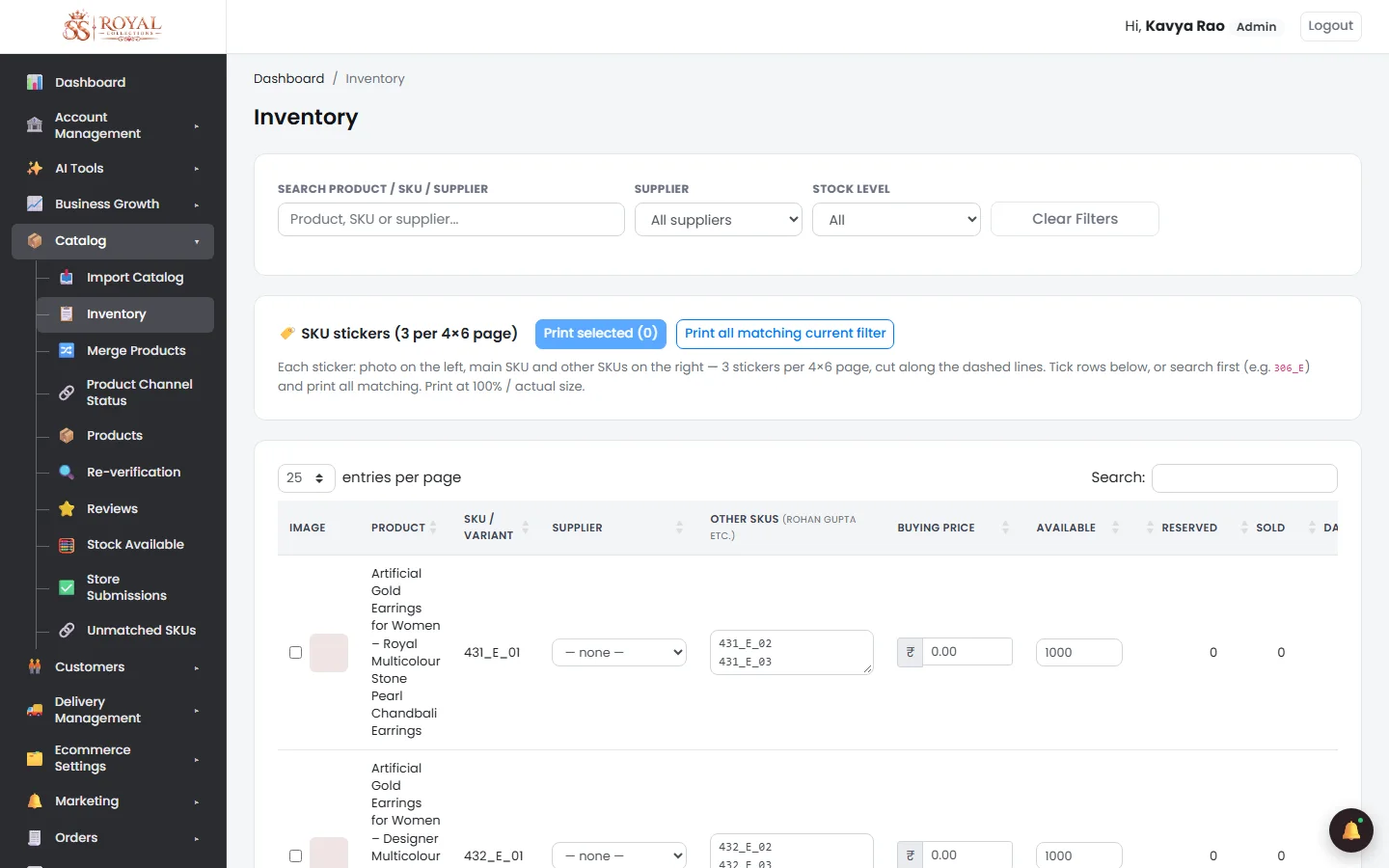
Stock reserves when an order is placed, deducts on shipment and returns on RTO or refund. See what's low, what's selling and what's sitting idle, with quick photo capture for new stock.
From first click to done
The everyday workflow, step by step.
- 1
Check levels
See available, reserved and sold quantities for every variant, with low stock highlighted.
- 2
Receive stock
Update quantities when goods arrive, or use Quick Capture to photograph new stock from your phone.
- 3
Watch channels
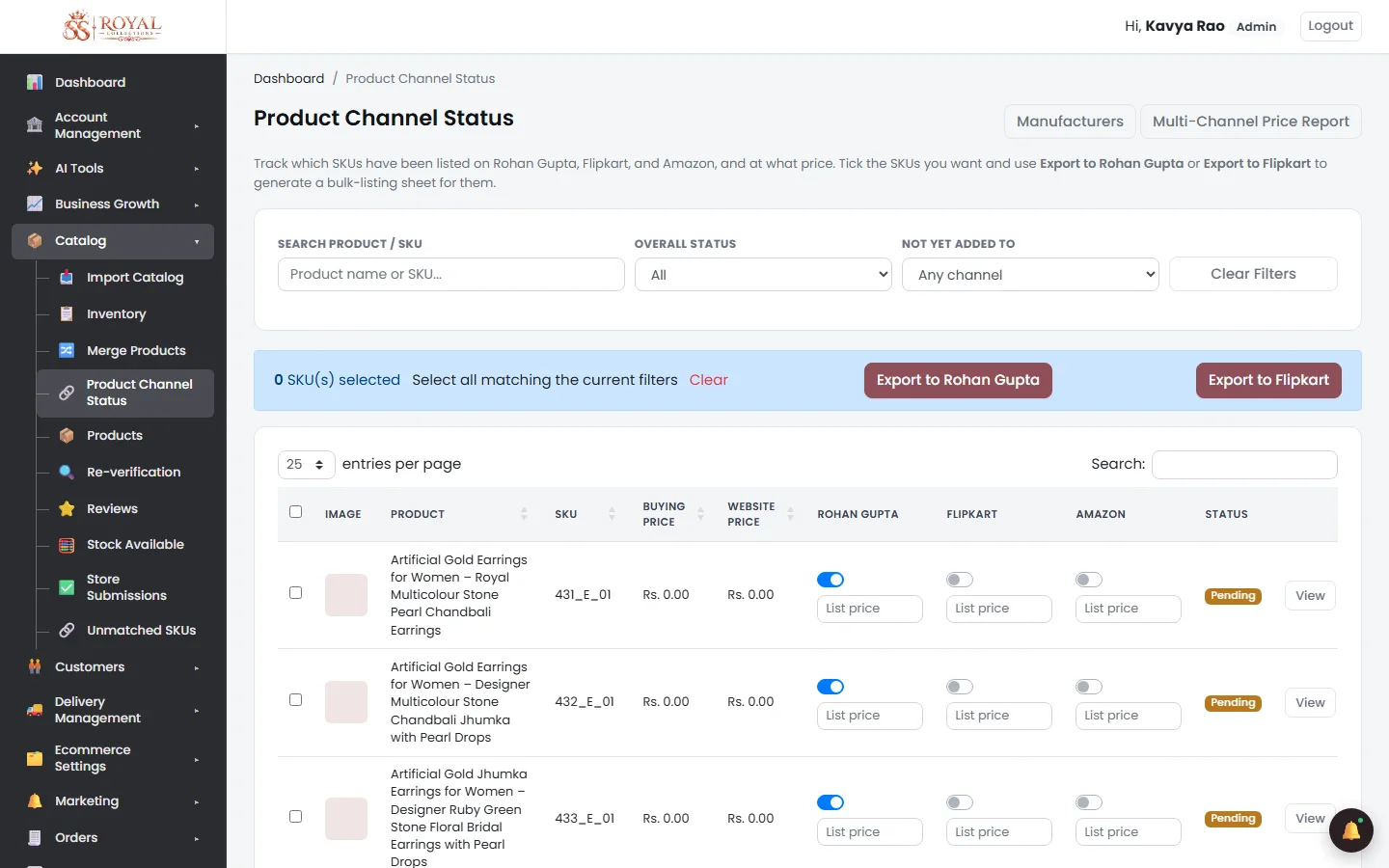
The channel status view shows which product is live on which marketplace.
- 4
Share a catalog
Generate a stock-available catalog for resellers that only shows what you can ship.
See it in action
Real screens from a live store. Click any screenshot to enlarge. Customer details are replaced with demo data.
Works great with
Admin Dashboard
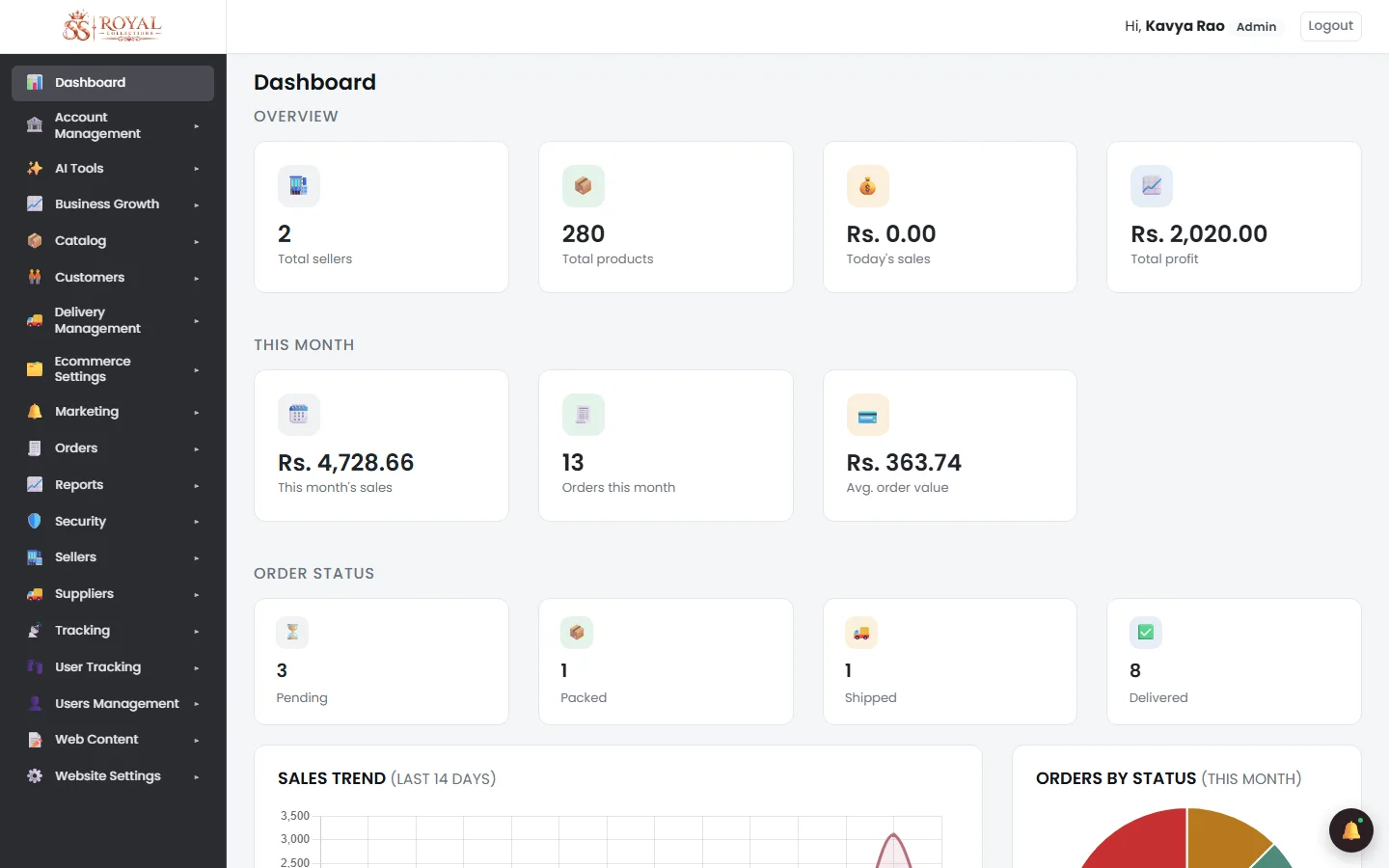
Your whole business on one screen — the moment you log in.
Explore module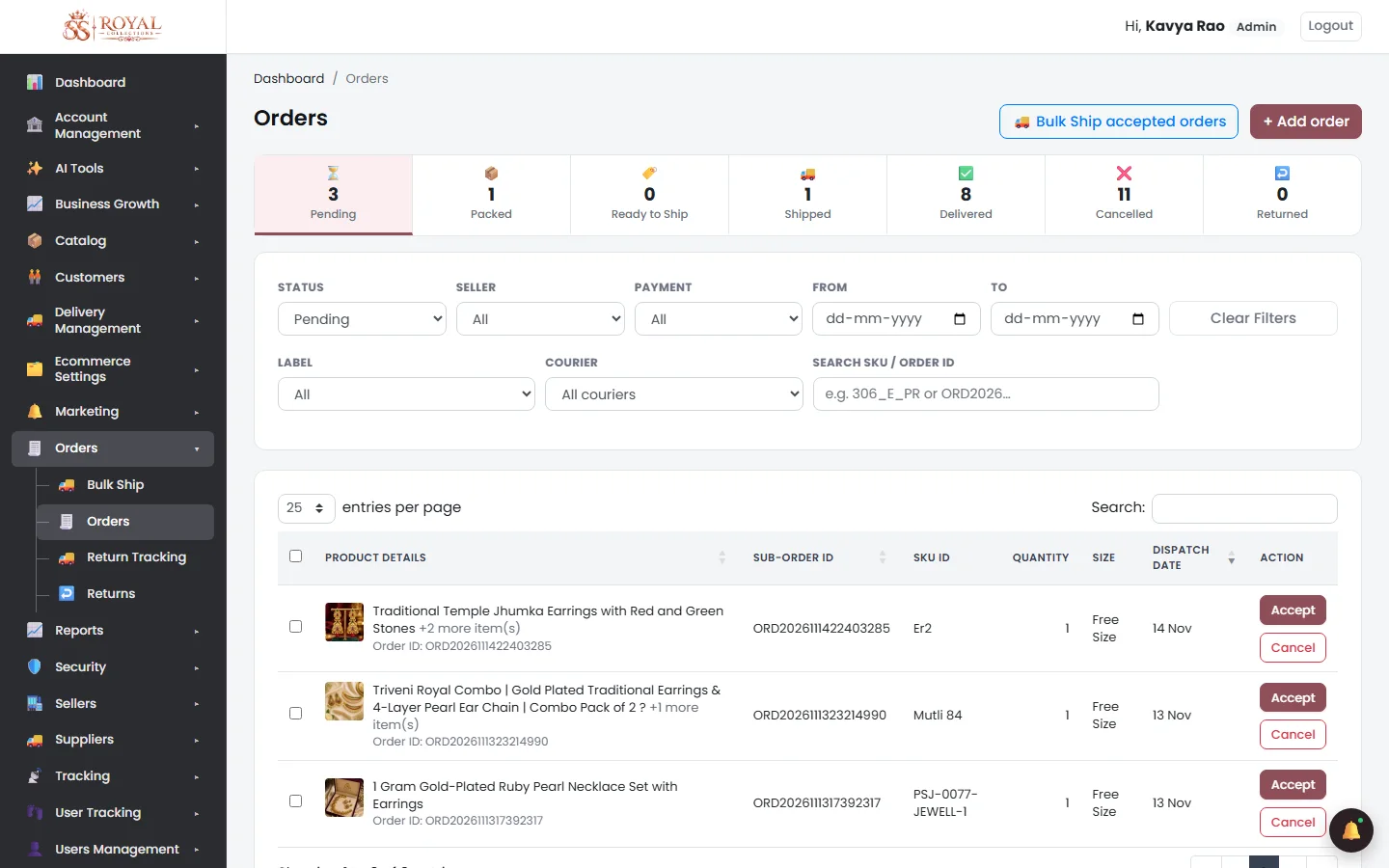
Order Management
Every order from every channel, in one list.
Explore module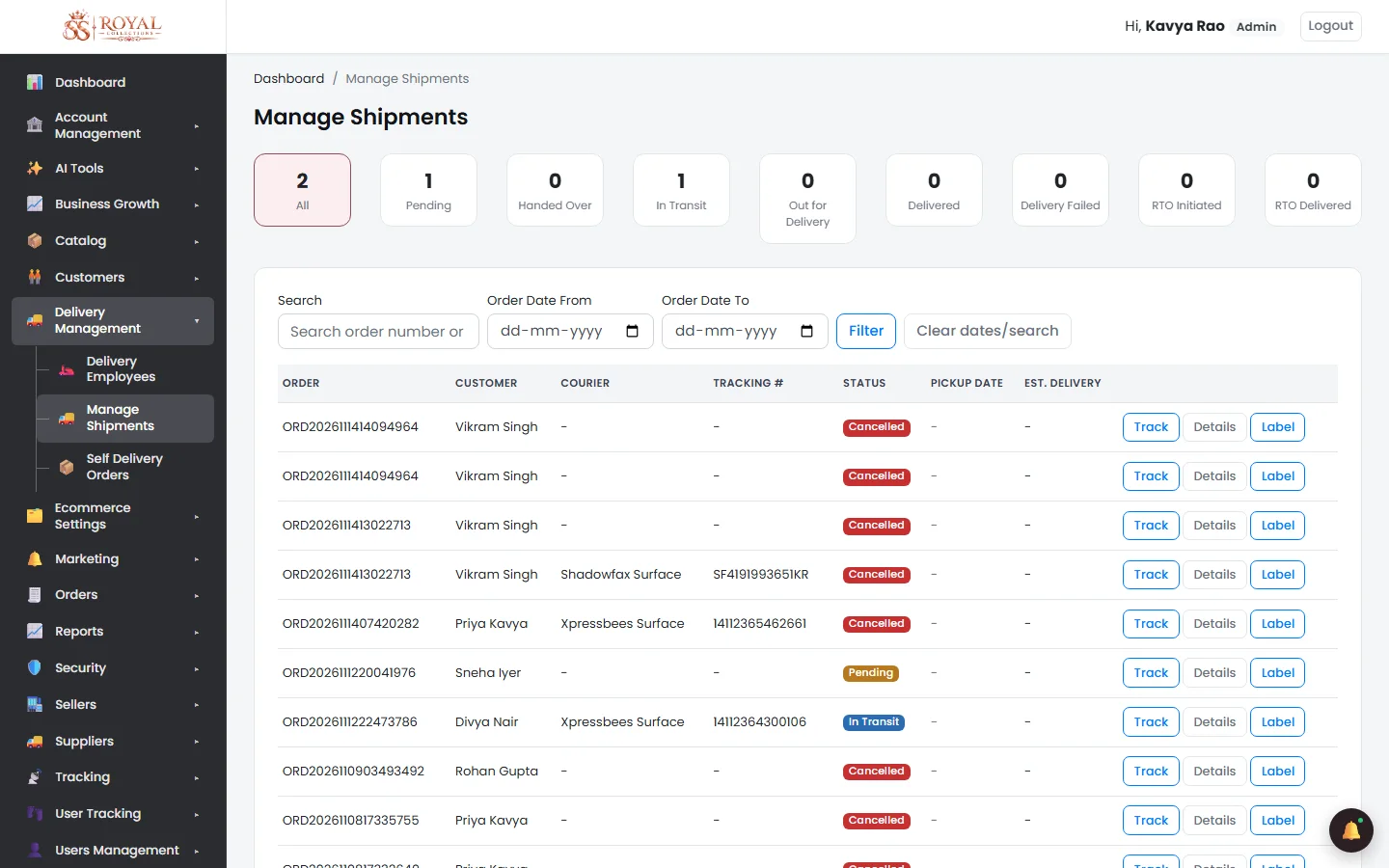
Shipping & Labels
Compare couriers, print labels and track parcels — without leaving the panel.
Explore module