
Order lifecycle
What happens to an order, its stock and its money from checkout to delivery, return or refund.
/admin/orders Click to enlargeOn this page
Quick summary1 · Placed2 · Packed & ready3 · Shipped & tracked4 · Delivered5 · Return, RTO or refundMarketplace ordersQuick summary
The 30-second version of this page.
What happens to an order, its stock and its money from checkout to delivery, return or refund.
#1 · Placed
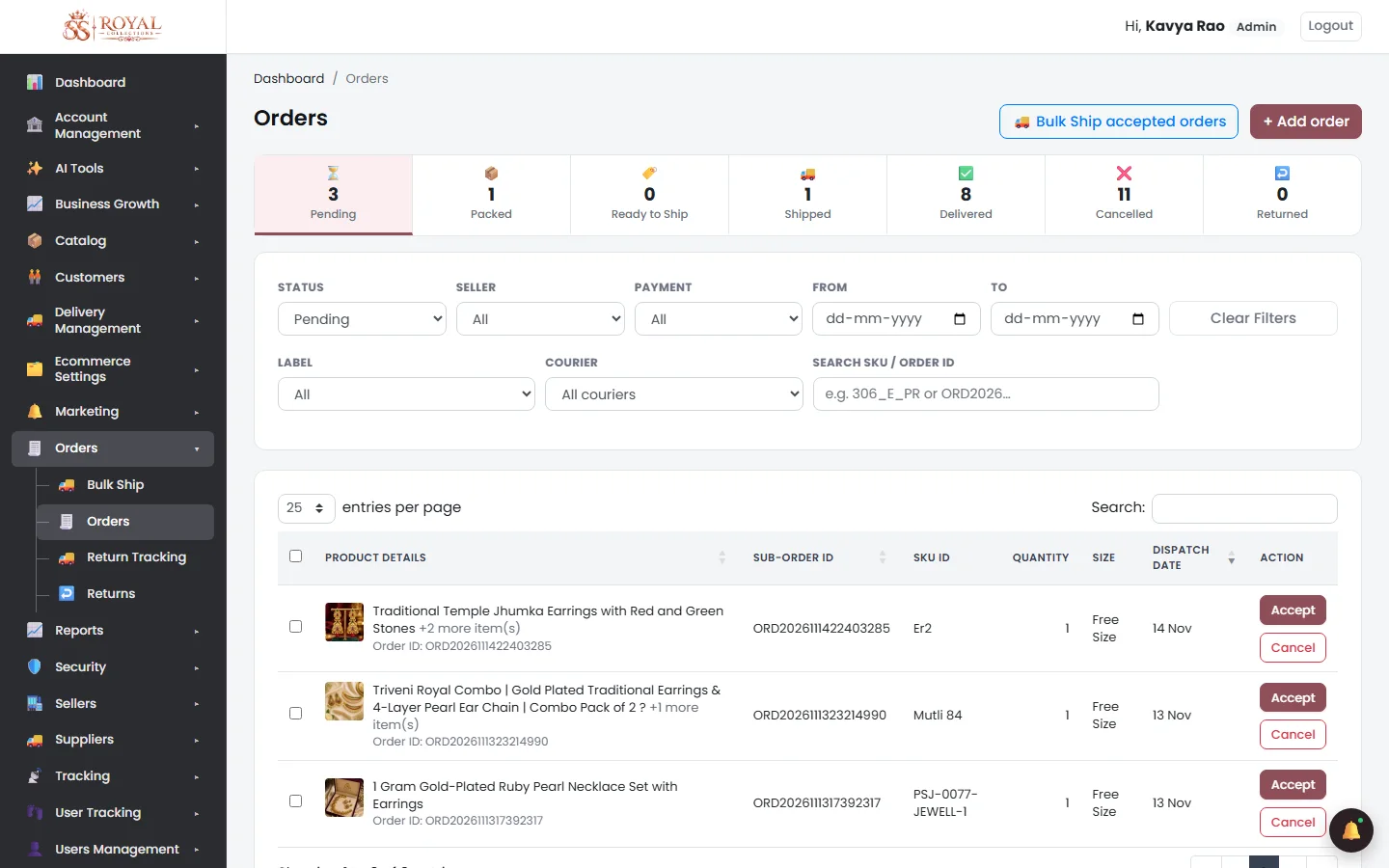
The customer pays with Razorpay or chooses Cash on Delivery. The order appears in Orders as Pending, stock for each variant moves from available to reserved, a GST invoice is generated and the confirmation message goes out on the channels you enabled.
#2 · Packed & ready
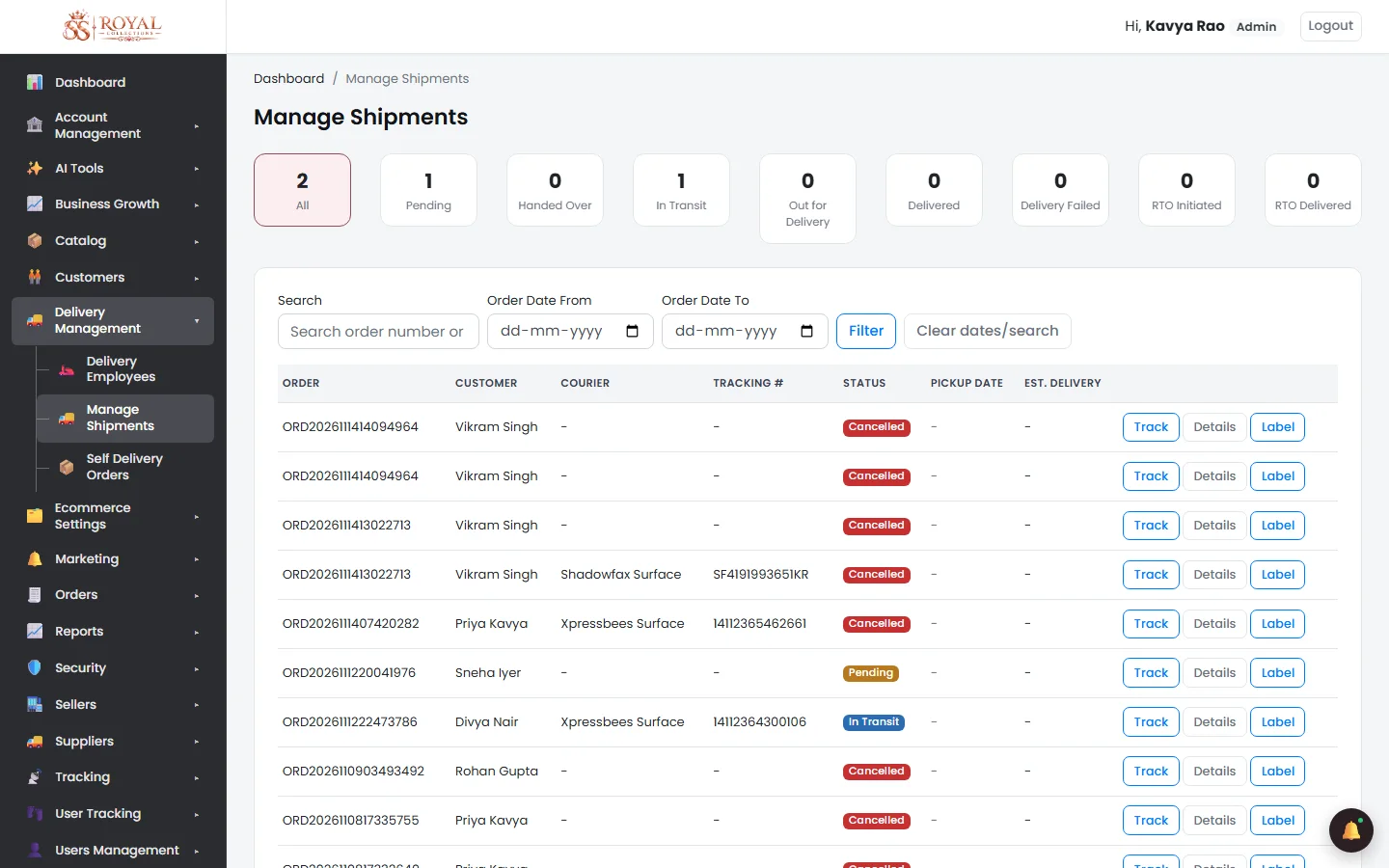
Your team marks the order Packed, compares courier rates and books the shipment. The label is printed (single or bulk) and the order becomes Ready to Ship.
/admin/shipments Click to enlarge#3 · Shipped & tracked
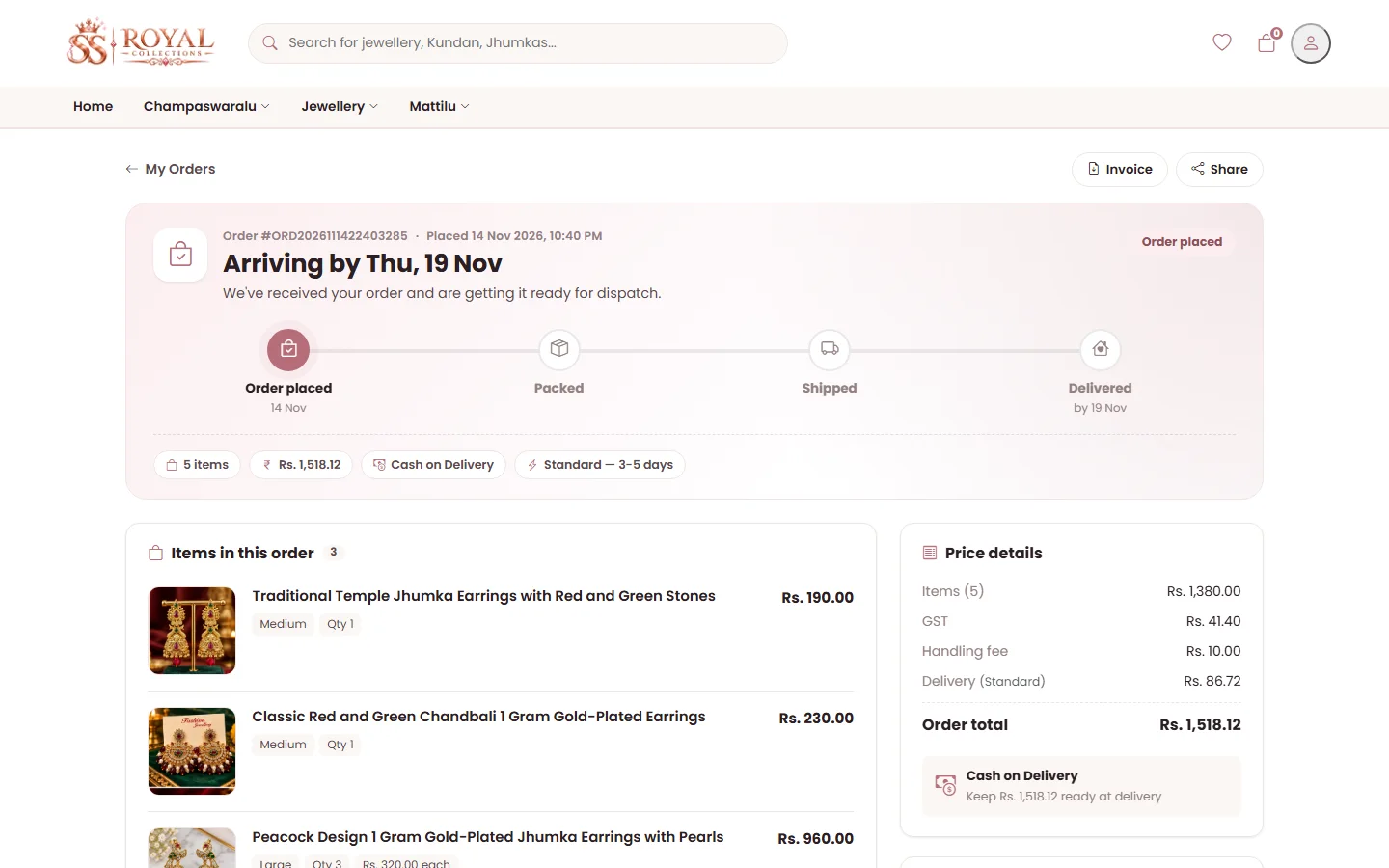
On pickup the order becomes Shipped and reserved stock is deducted as sold. Tracking events from the courier update the customer's live tracking page automatically.
/order/track/31 Click to enlarge#4 · Delivered
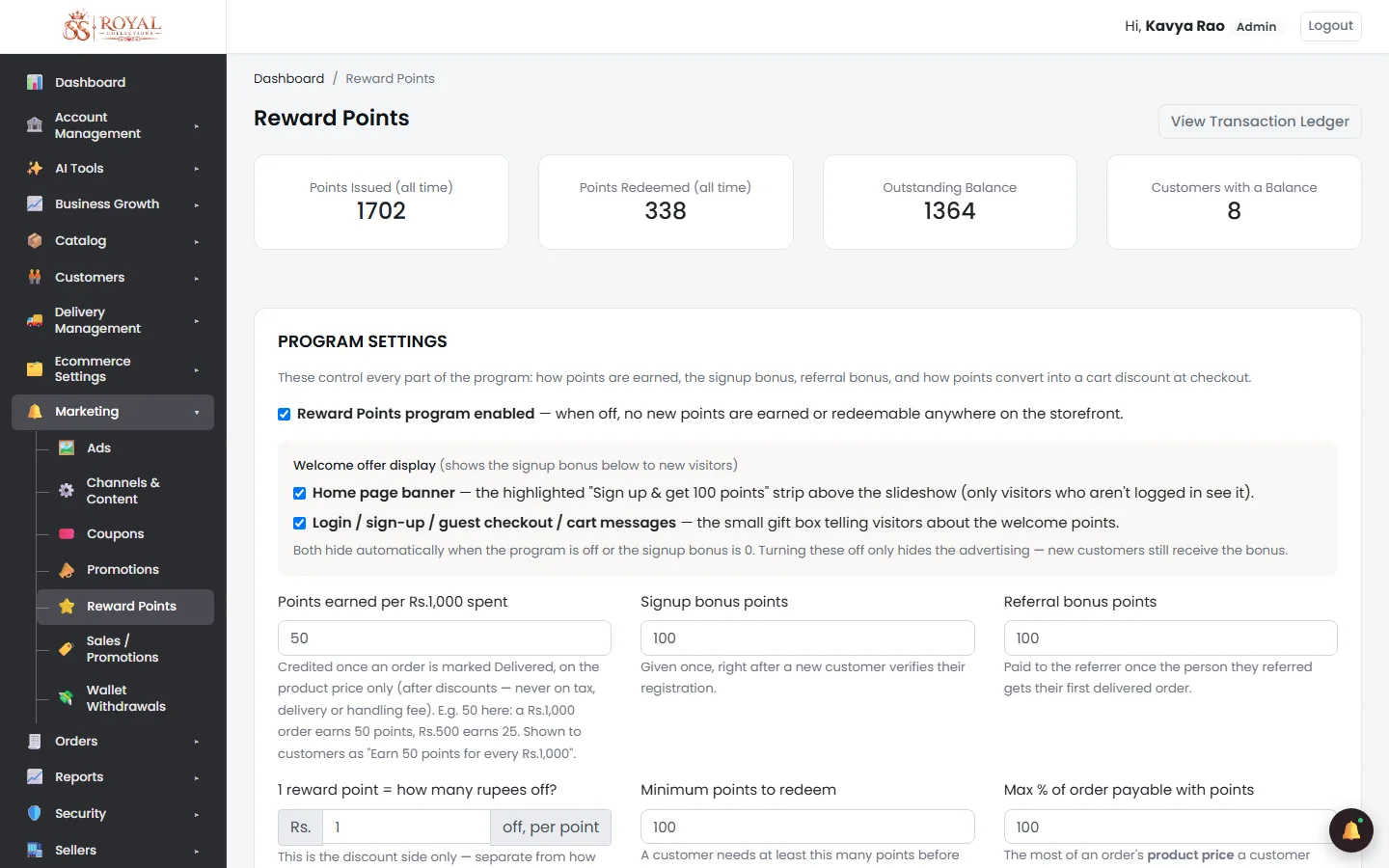
On delivery, reward points are credited (per your earning rate) and the order counts towards profit reports.
/admin/reward-points Click to enlarge#5 · Return, RTO or refund
If the parcel comes back (RTO) or the customer returns it, stock goes back automatically. Refunds go to the original payment method, the customer wallet or a bank / UPI payout, and Business Growth reflects the cost.
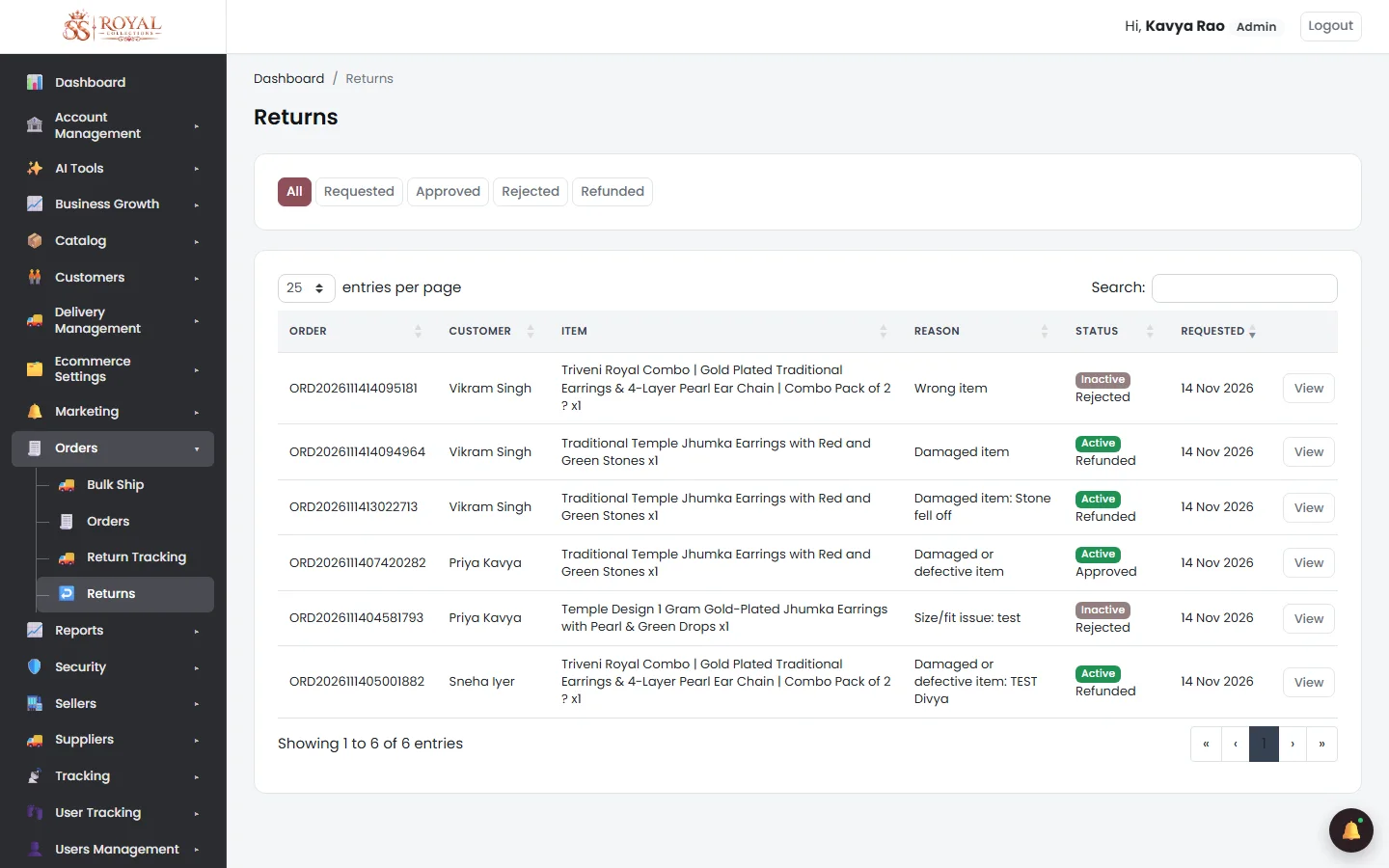
/admin/returns Click to enlarge#Marketplace orders
Meesho, Amazon and Flipkart orders follow the same path after import: SKUs are mapped to your products, stock is shared with the website, and settlement files later reconcile what you were actually paid.
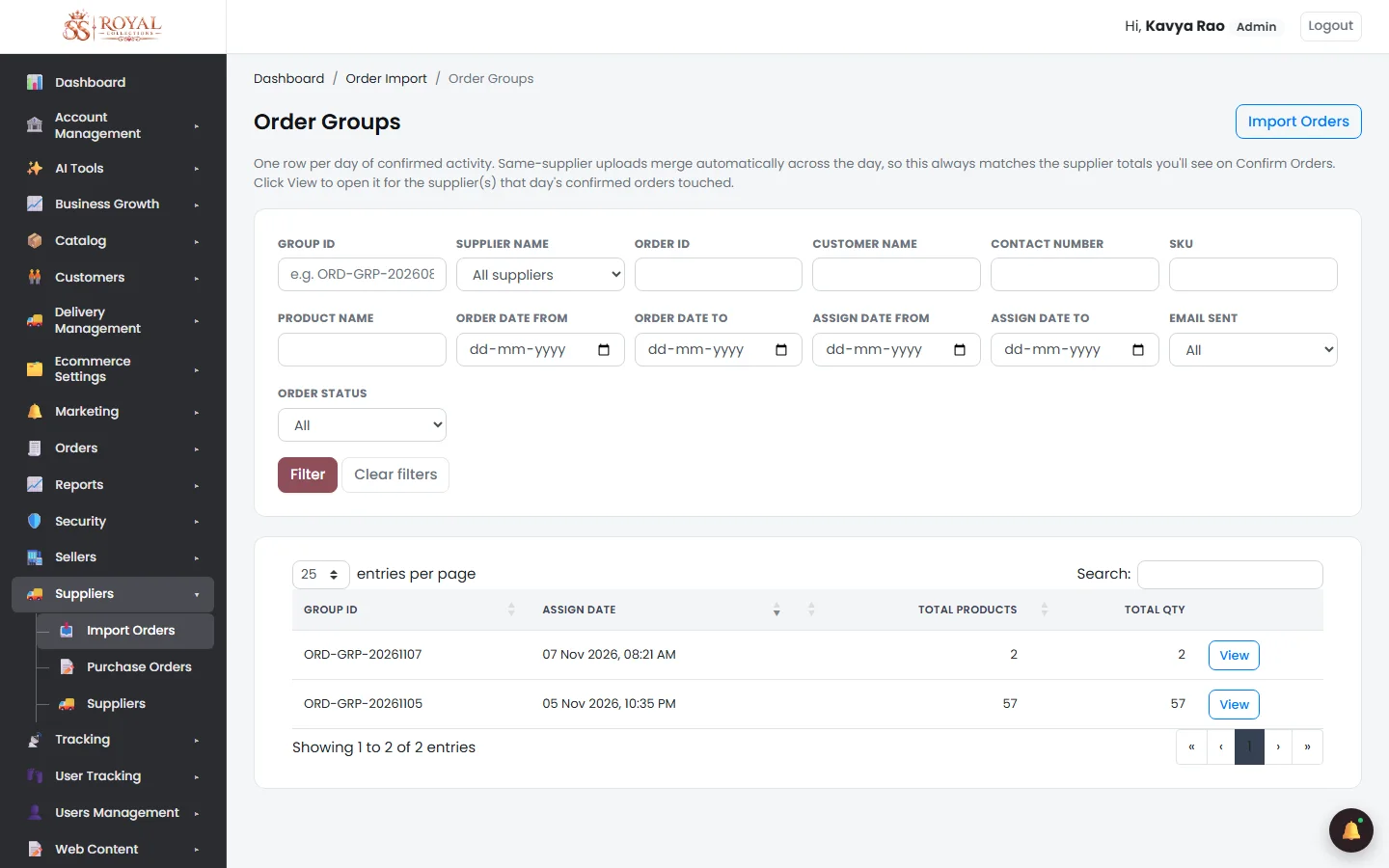
/admin/order-import/order-groups Click to enlarge