
Seller Profit Reports
Every seller sees their real profit, not just sales.

/seller/business-growth Click to enlargeOn this page
Quick summaryOverviewFeaturesStep by stepKey termsAll screensBest practicesFAQPlan availabilityRelated docsQuick summary
The 30-second version of this page.
Every seller sees their real profit, not just sales.
Sellers.
Seller Portal → Business Growth / Payments
#Overview
The same Business Growth analytics, limited to the seller's own accounts: profit by day, product and category, returns and reconciliation.
Sellers.
Seller Portal → Business Growth / Payments
#Features
#Step by step
Follow these steps in order. The screen on the right shows where you do it.
- 1
Upload payment files
For own marketplace accounts.
- 2
Read P&L
By day, product and category.
- 3
Record expenses
Expenses and daily summary.
- 4
Check GST
Seller GST report.
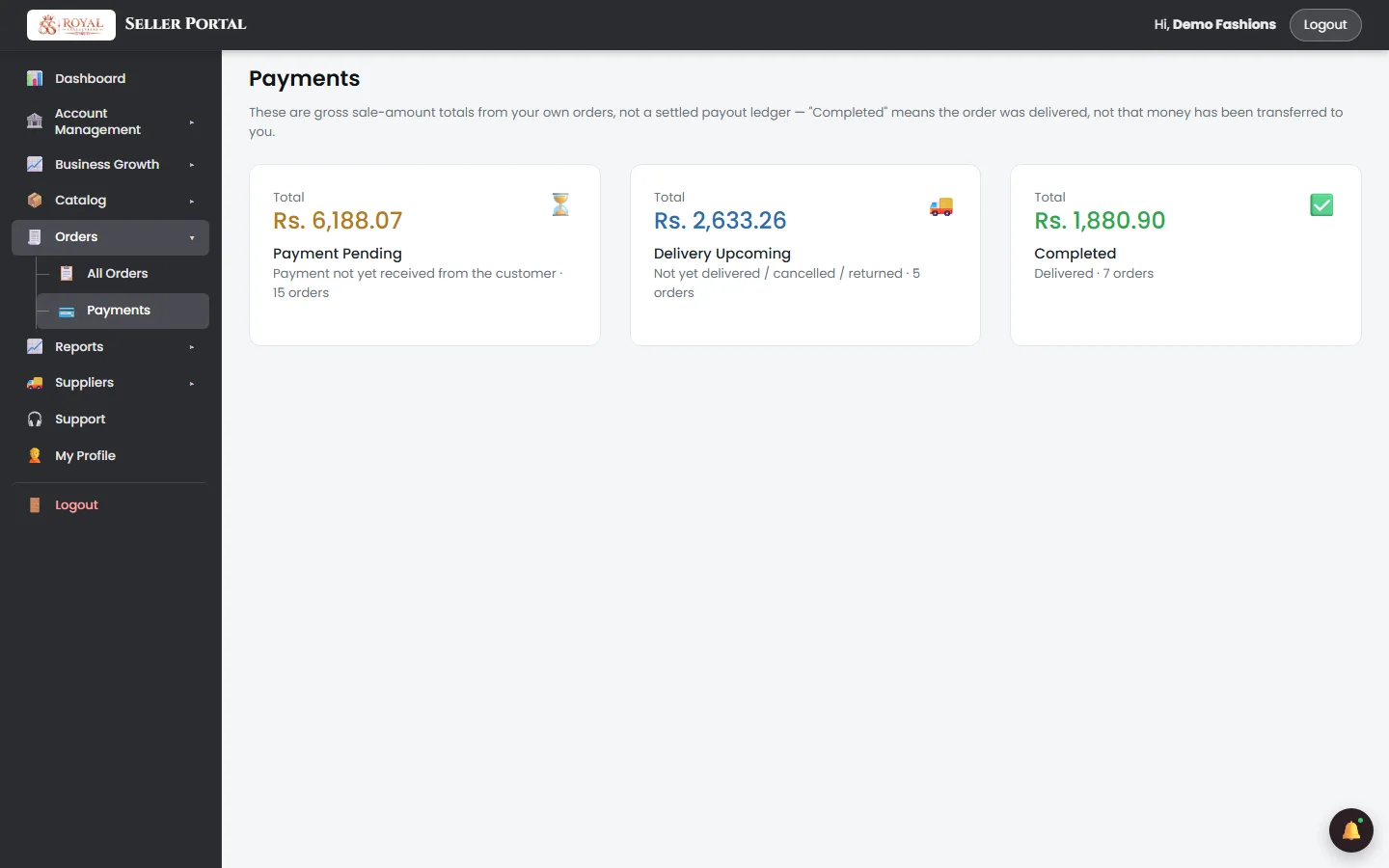
/seller/payments Click to enlarge#Key terms
Words you will see on these screens, explained simply.
- Seller-only P&L
- Uses only the seller's own orders and costs.
#All screens
Every screen in this module. Customer details are replaced with demo data.
/seller/business-growth Click to enlarge/seller/payments Click to enlarge#Best practices
- Keep buying cost updated on every product.
#FAQ
Can the admin see seller profit?
Admins see platform-level data; sellers see only their own.
#Plan availability
See pricing for full plan details.