
Getting started
How the platform is organised, what you get on day one and the order in which to set things up.
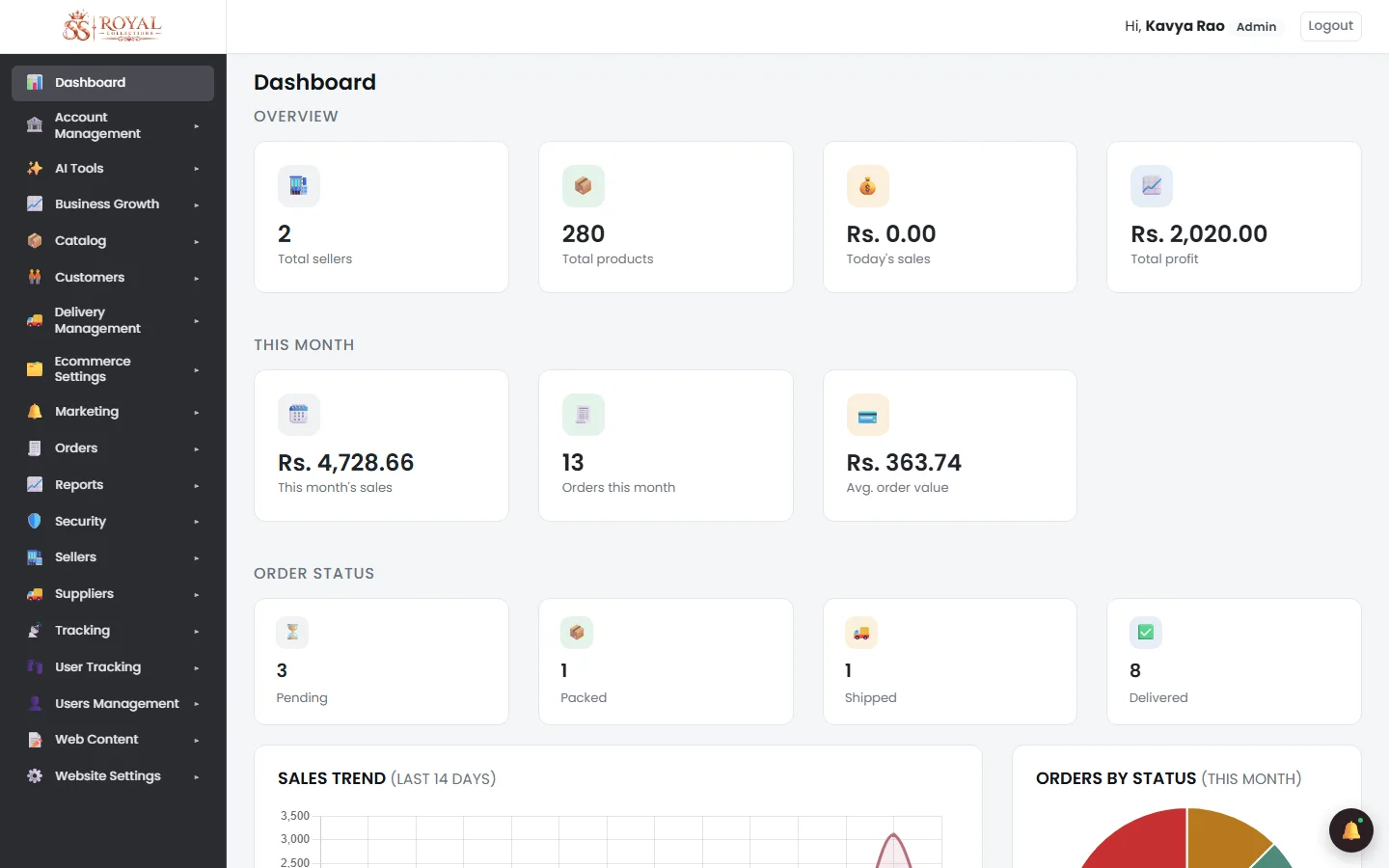
/admin Click to enlargeQuick summary
The 30-second version of this page.
How the platform is organised, what you get on day one and the order in which to set things up.
#The three panels
The platform is one system with three front doors. The Admin Panel is where you and your staff run the business. The Seller Portal (Marketplace plan) gives outside sellers their own back-office. The Customer Store is your public website. All three read and write the same orders, stock and money, so a sale in one place is instantly visible everywhere else.
#Recommended setup order
- Store Settings — logo, colours, contact details, return window and reward rates.
- Payments & couriers — connect Razorpay, enable COD, add courier accounts and serviceable pincodes.
- Catalog — categories, brands and HSN codes first, then products (bulk import or AI generator).
- Staff — create users and give each one only the modules they need.
- Notifications — choose which events go out by email, SMS or WhatsApp.
- Marketplaces (optional) — import your first Meesho / Amazon / Flipkart order file and map SKUs.
- Go live — point your domain, place a test order end-to-end, then announce.
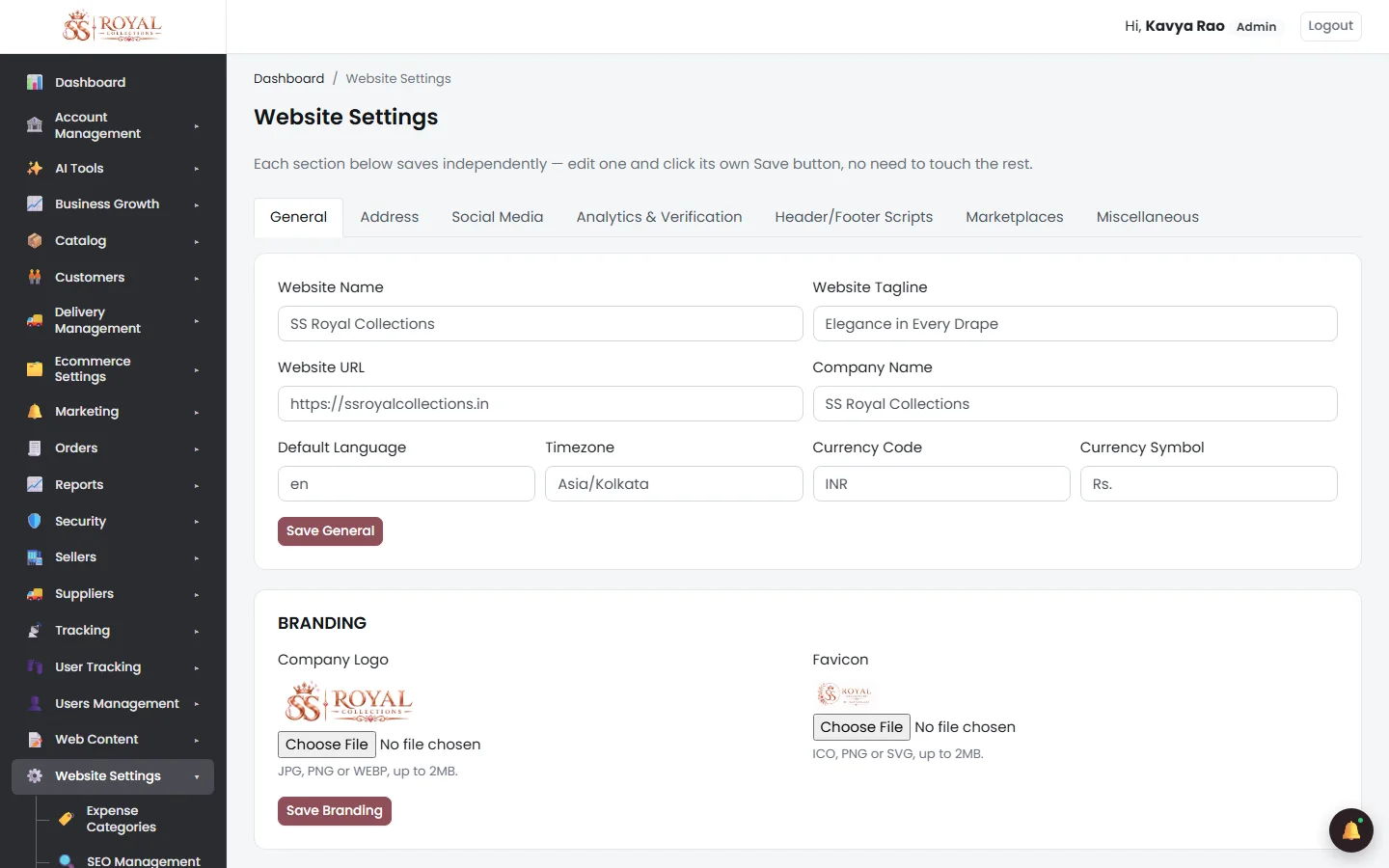
/admin/website-settings Click to enlarge#What we set up for you
The one-time setup covers domain and SSL, branding, payment gateway, courier onboarding, SMS / WhatsApp / email sender setup and a first import of your existing products. You receive an admin login with full access and a short walkthrough call.
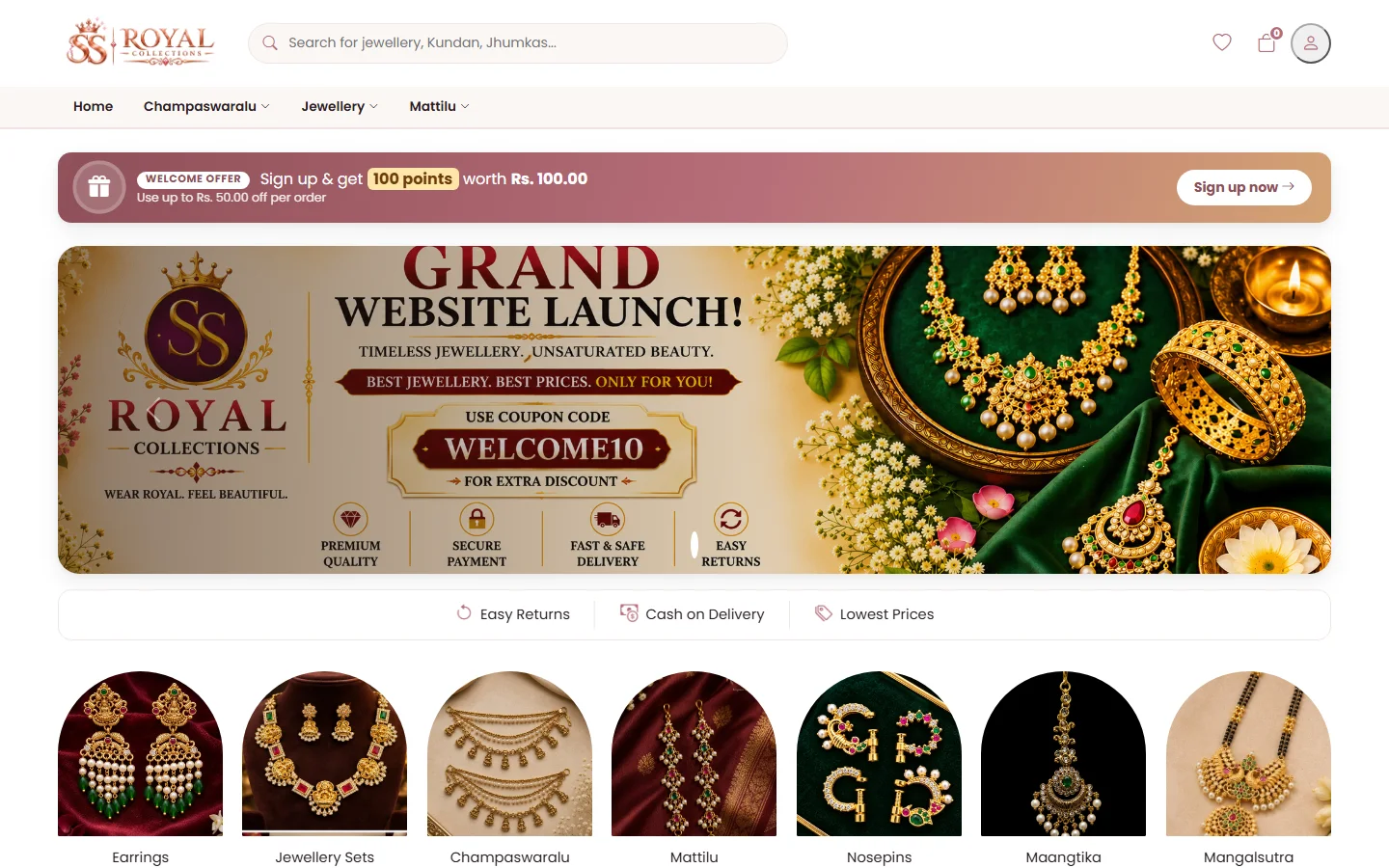
/ Click to enlarge#Daily rhythm
Most teams settle into the same loop: open the Admin Dashboard → process Orders (pack, label, ship) → answer Support tickets → handle Returns → close the day in Daily Summary. Once a week, review Business Growth for real profit and Visitor Analytics for where shoppers drop off.
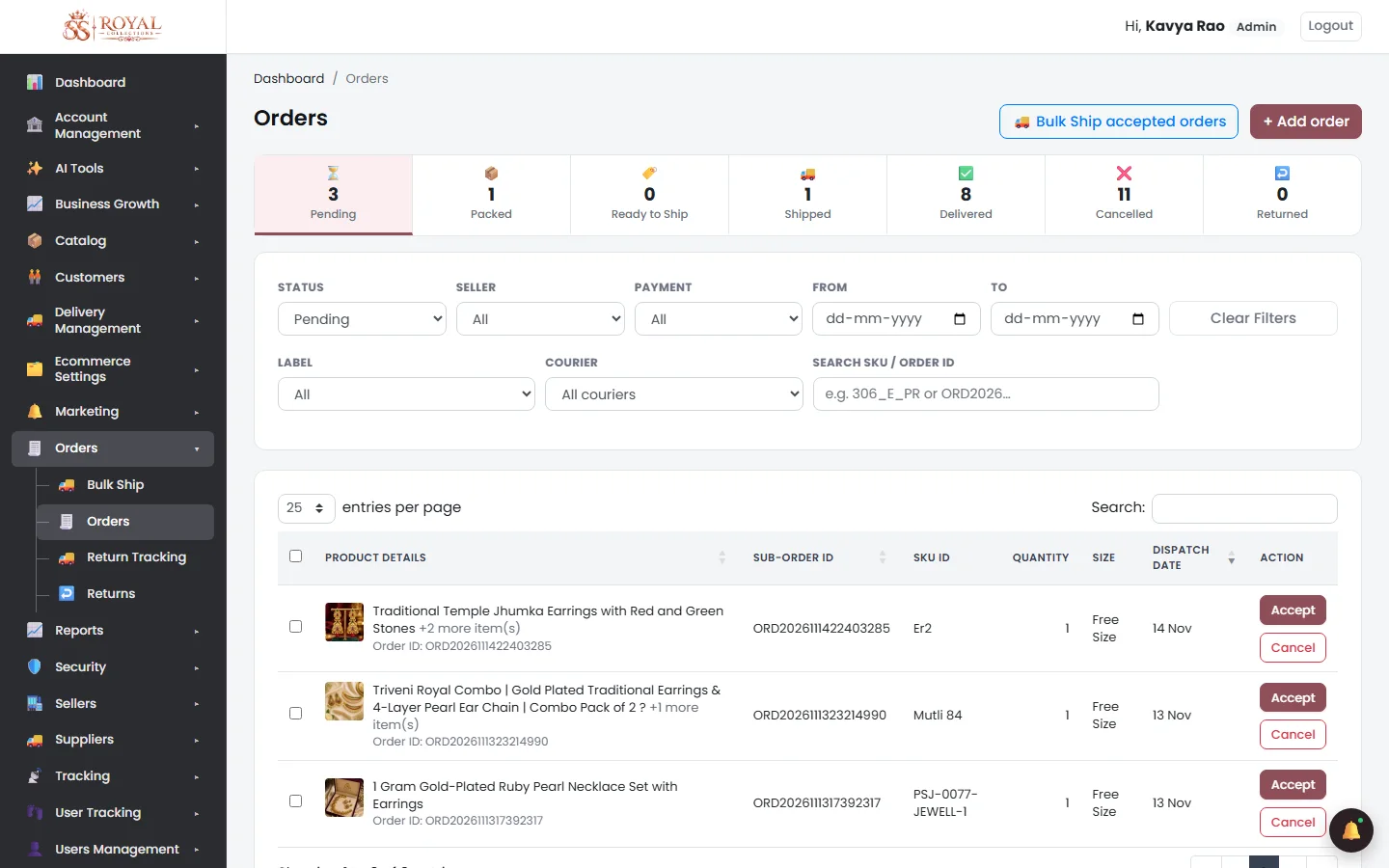
/admin/orders Click to enlarge