
Support Desk
Separate help desks for customers and sellers.
What it does
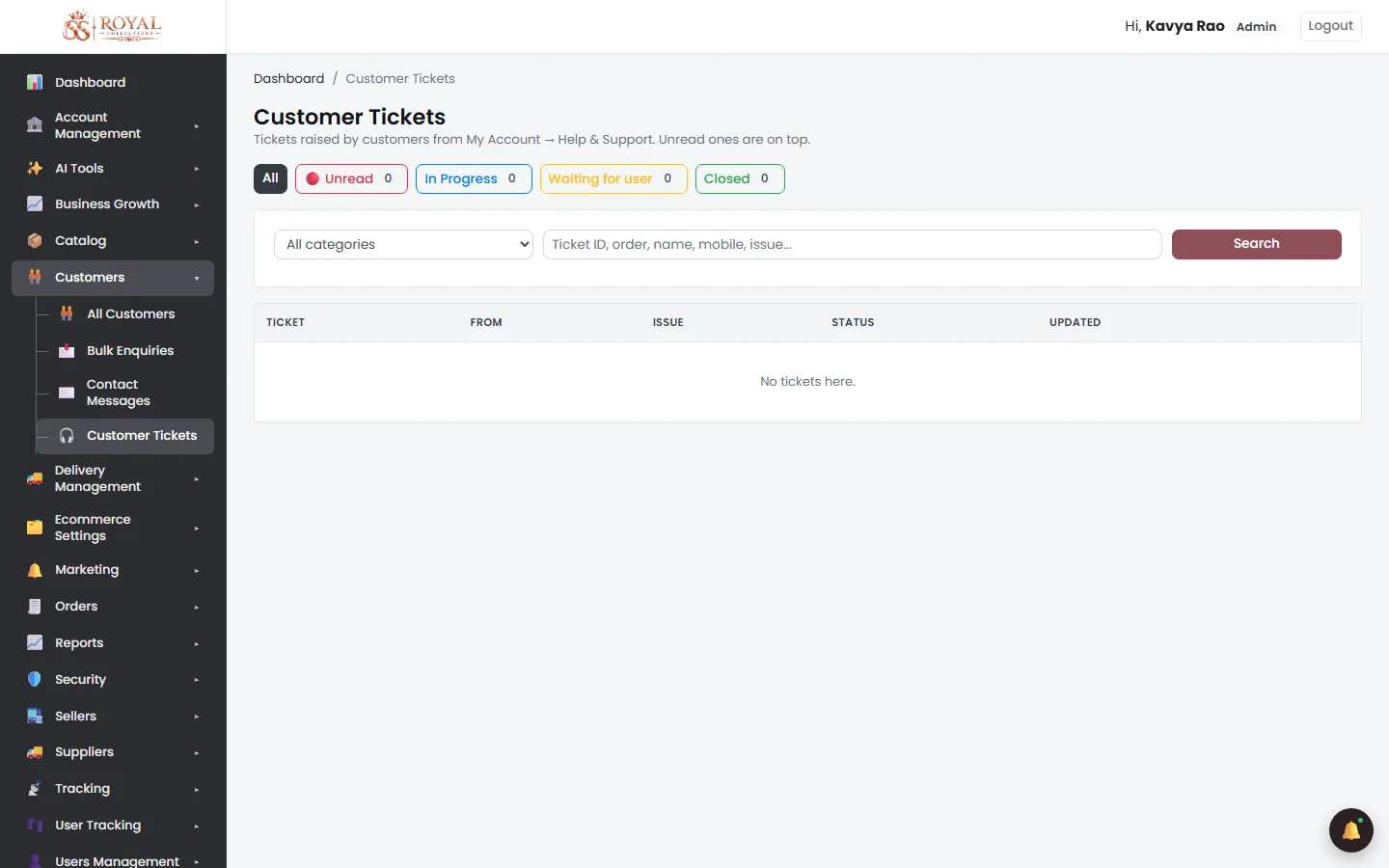
Customers and sellers raise tickets from their own panels by picking a topic (order, payment, return, account…). Your team replies, attaches files, and closes — with email alerts on every reply.
From first click to done
The everyday workflow, step by step.
- 1
Pick the queue
Customer tickets and seller tickets are separate queues with live counts.
- 2
Open a ticket
See the topic, linked order and full conversation.
- 3
Reply
Write a reply, attach files; the customer or seller gets an email alert.
- 4
Close
Close the ticket when resolved. It stays in history for reference.
See it in action
Real screens from a live store. Click any screenshot to enlarge. Customer details are replaced with demo data.

Works great with
Admin Dashboard
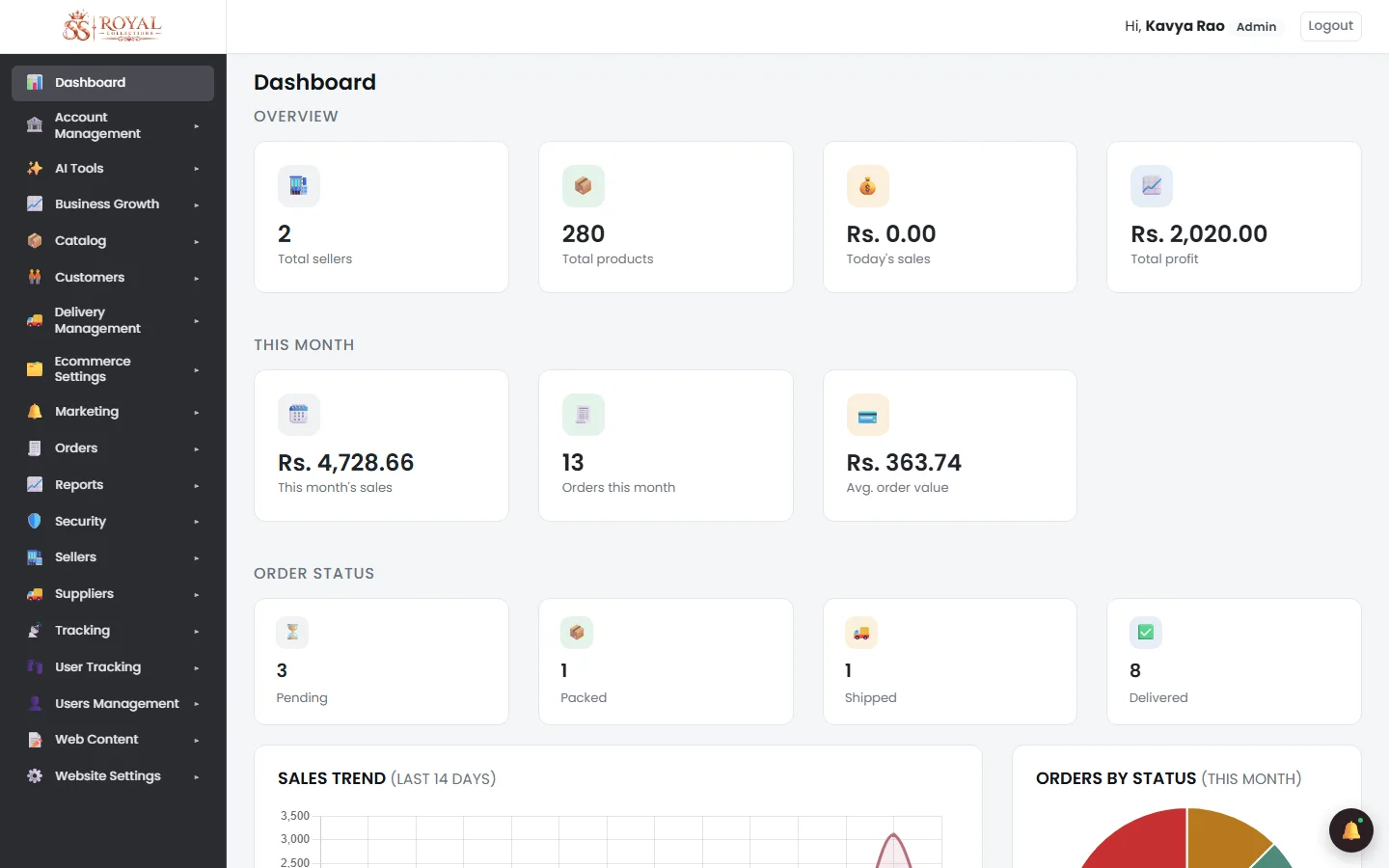
Your whole business on one screen — the moment you log in.
Explore module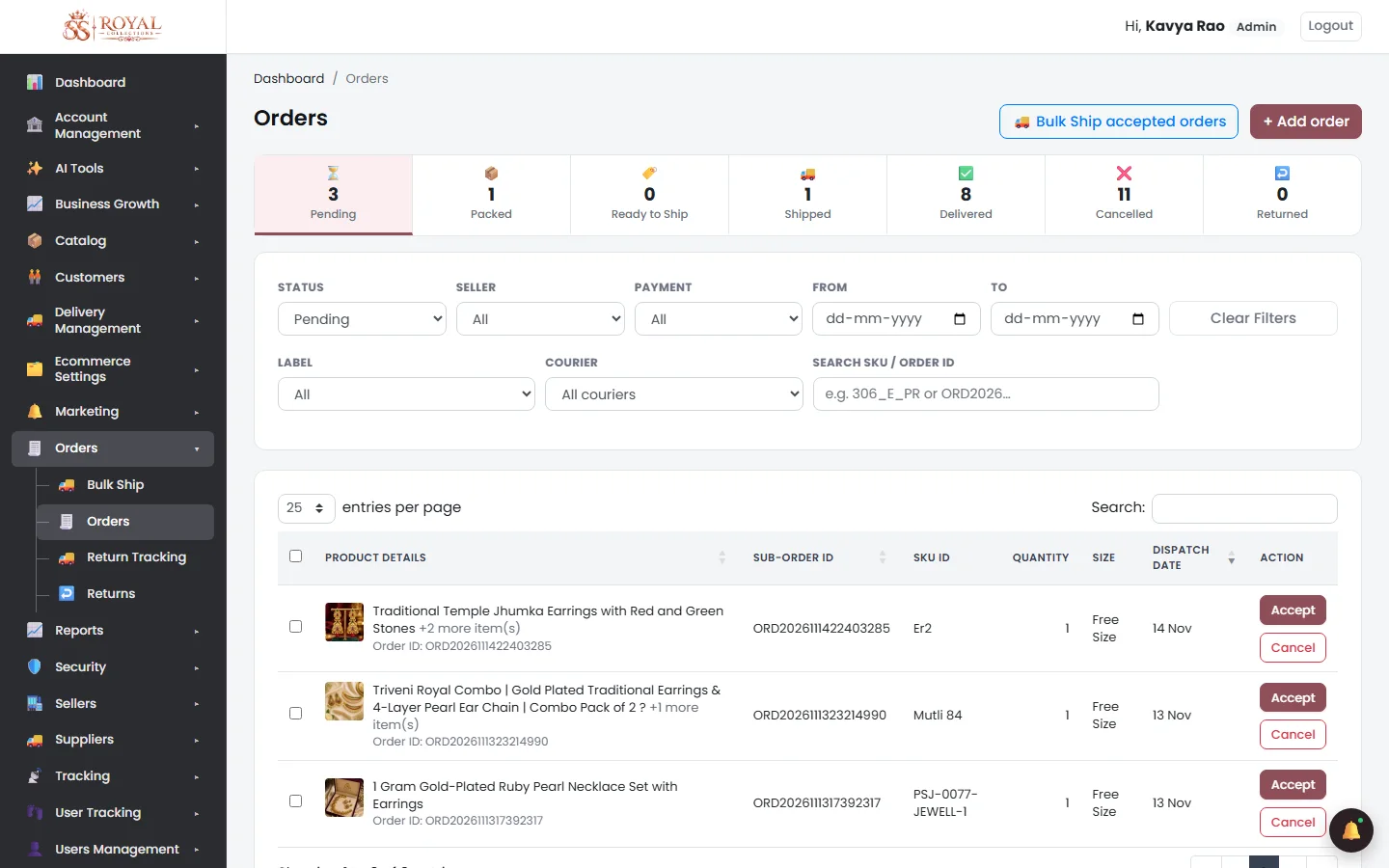
Order Management
Every order from every channel, in one list.
Explore module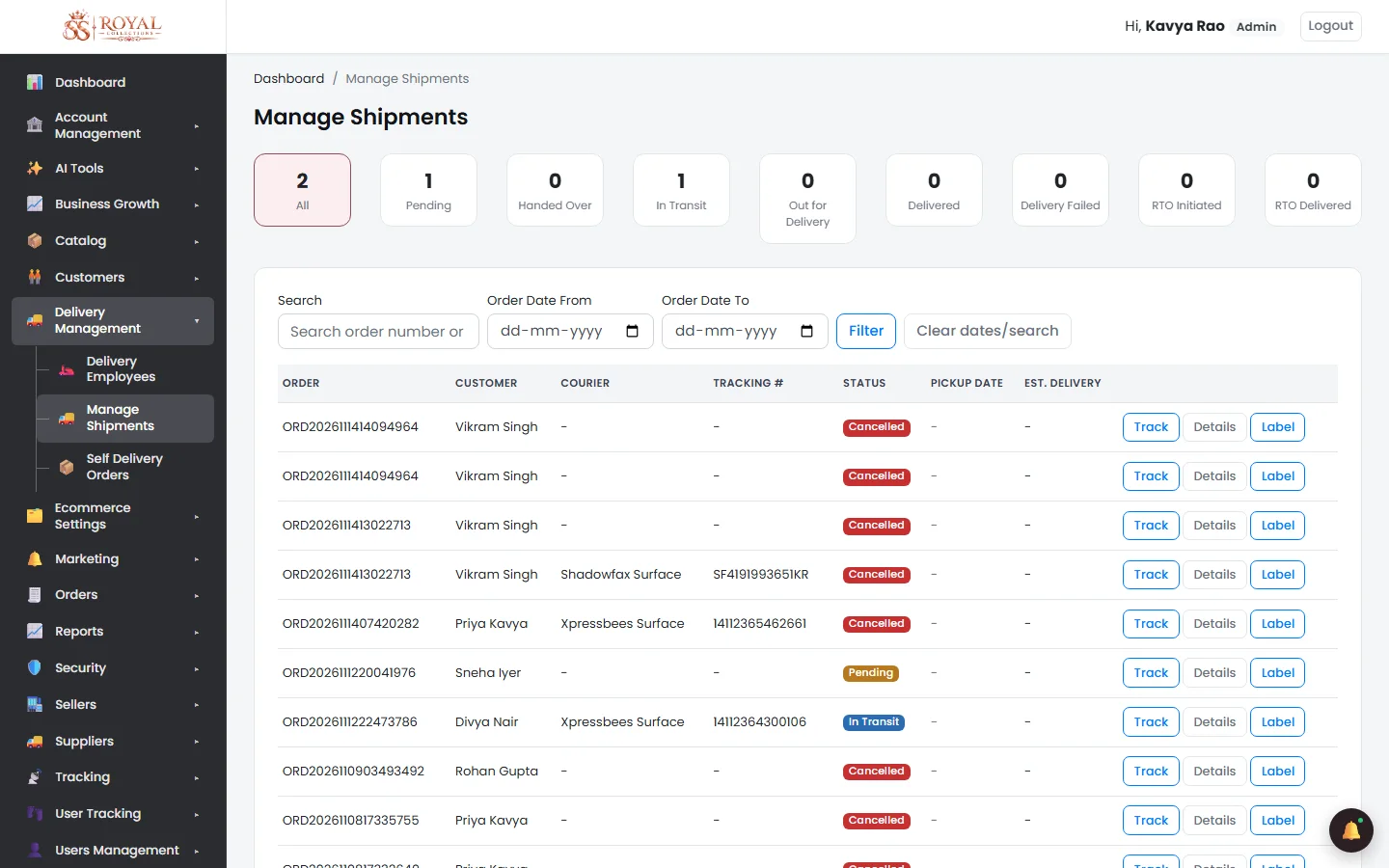
Shipping & Labels
Compare couriers, print labels and track parcels — without leaving the panel.
Explore module